Free landing page builder to grow your subscriber list
Create landing pages without coding, with templates and signup forms. New contacts go straight into your list, and you can welcome them from the same dashboard.
How to create a landing page with Mailrelay
Your landing page can be ready in four steps:
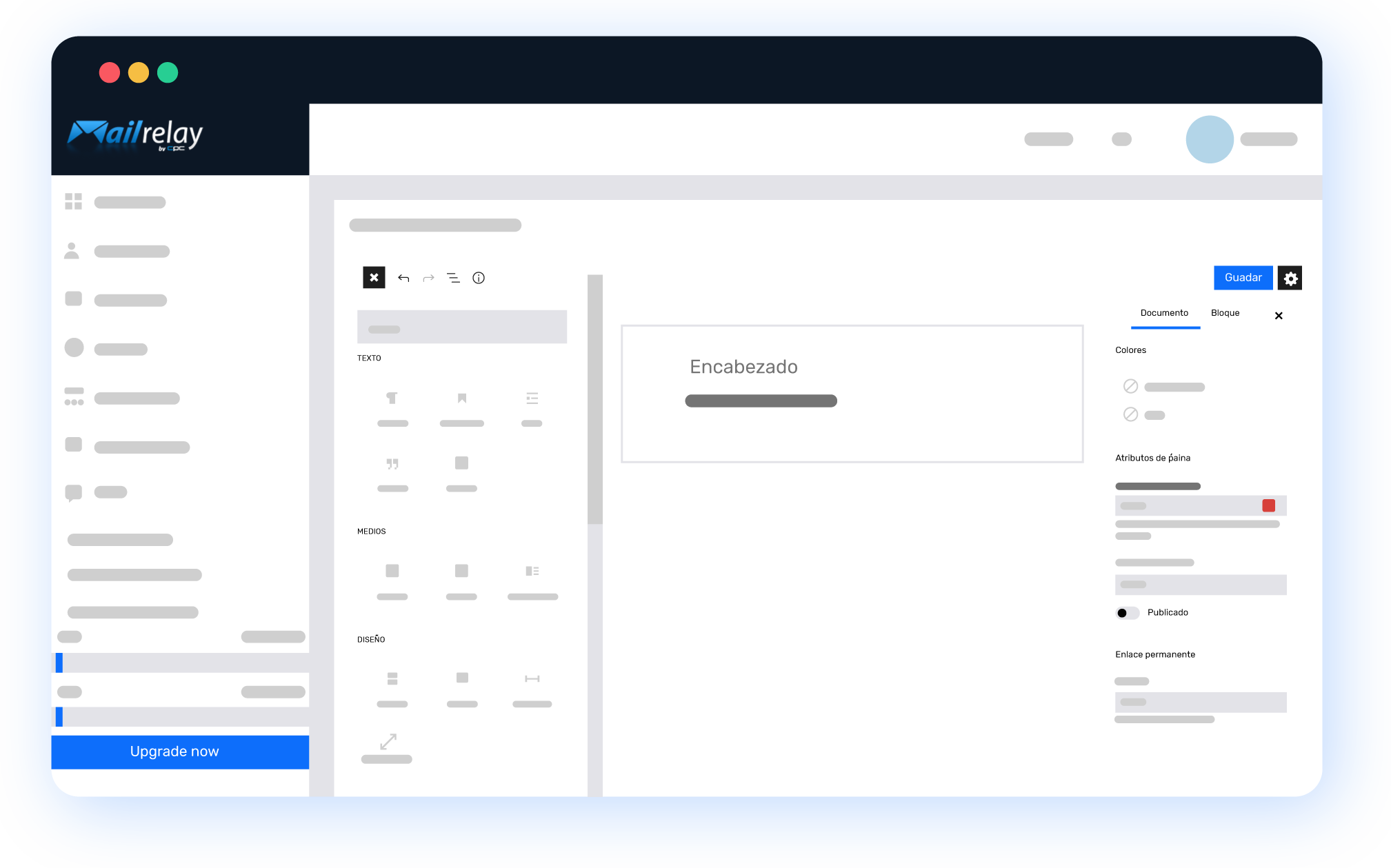
Choose a template or start from scratch
Start from one of our templates or a blank page and customize the design however you like. No coding skills needed.
Before you start, think about the goal. A landing page works best when it asks for one thing, like signing up for your newsletter or downloading a guide.
1

2
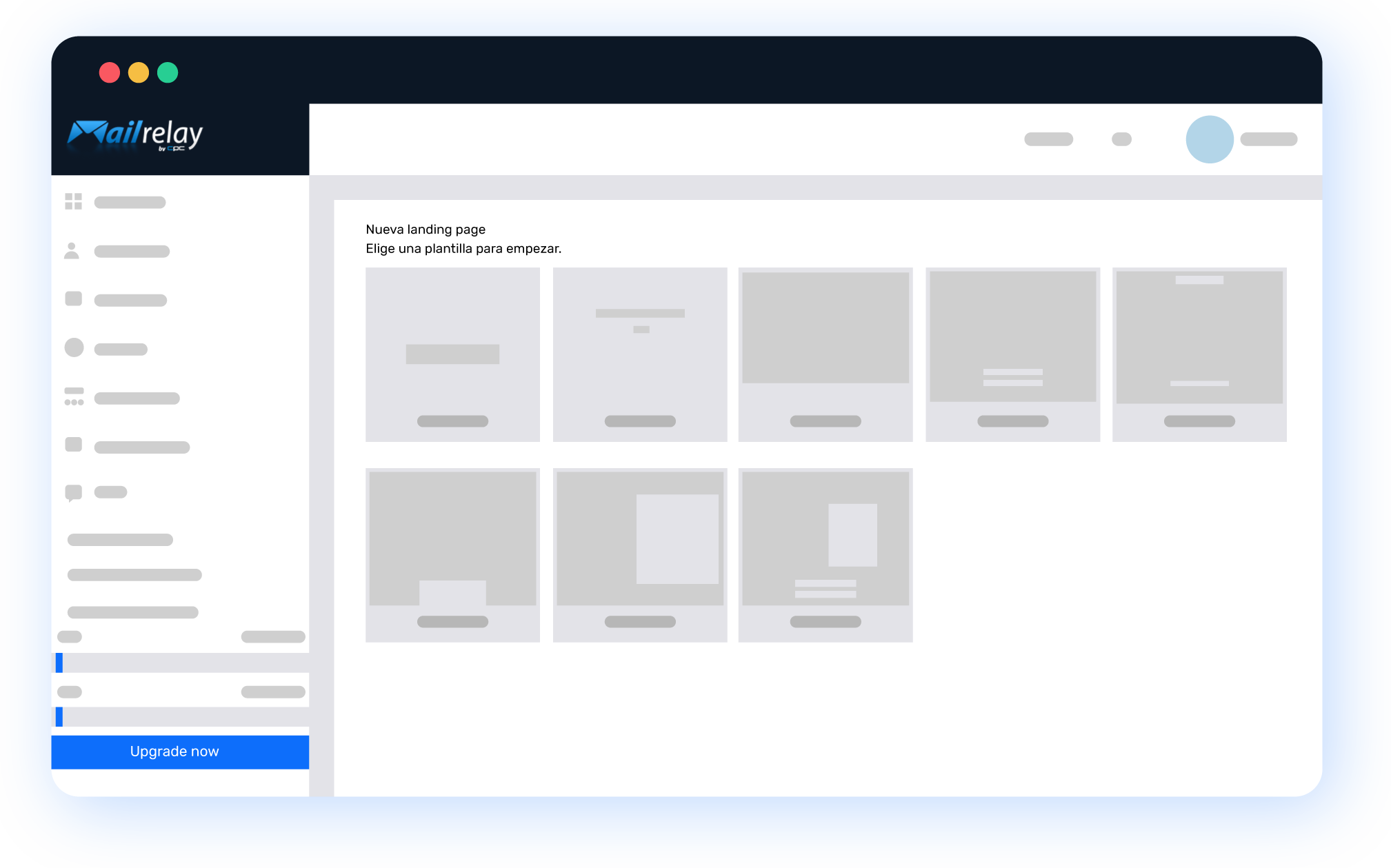
Add your signup form
Insert a signup form and choose what information you ask for. If you need them, add custom fields, such as the contact’s city or the topic they’re interested in.
Only ask for what you’ll use. Every extra field is one more reason not to finish the form.
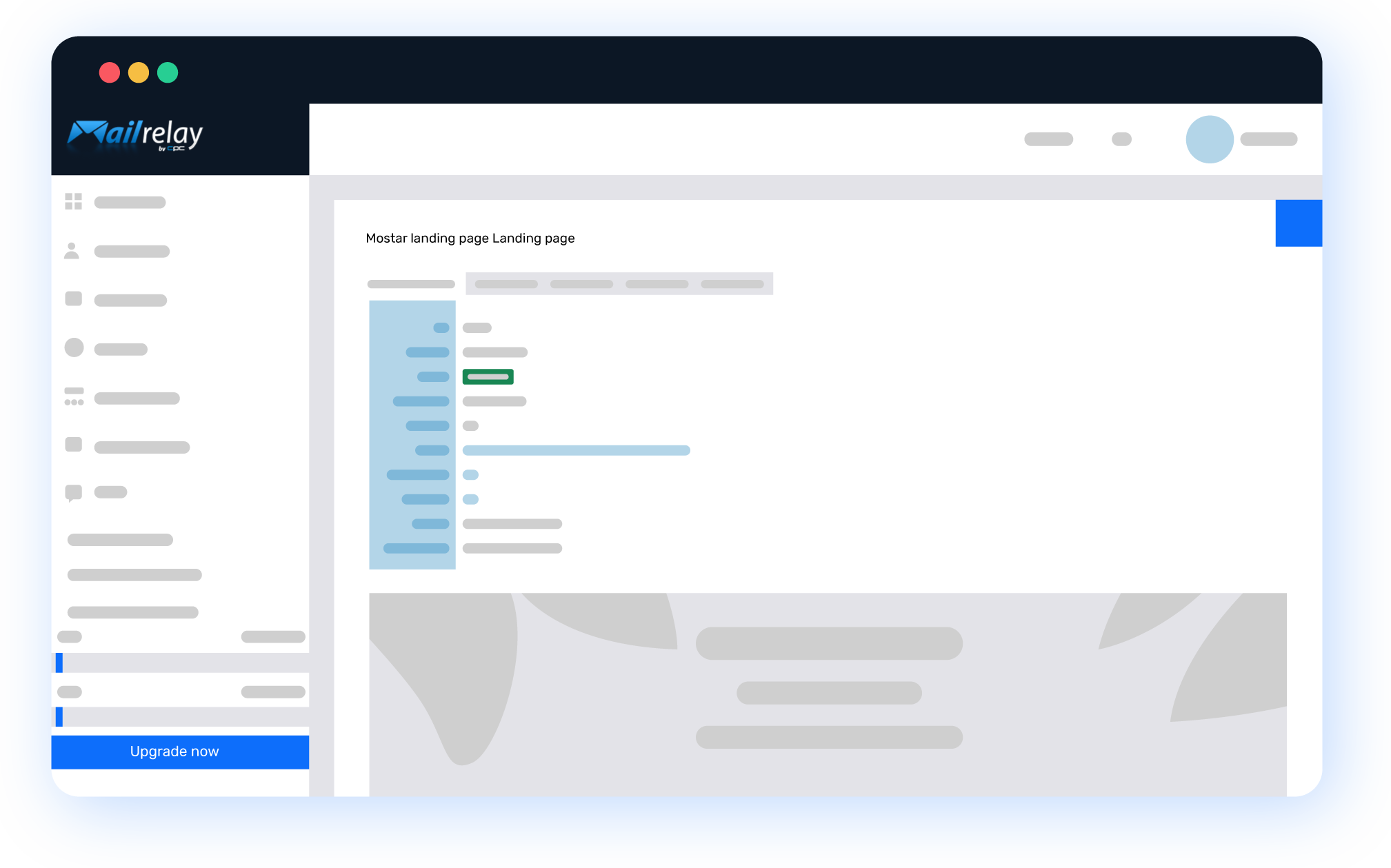
Publish and send traffic
Publish the page and share the link on your social media, ads, website or emails.
New contacts go straight into the subscriber group you choose. And with an automation, you can send them a welcome email as soon as they sign up.
3
4
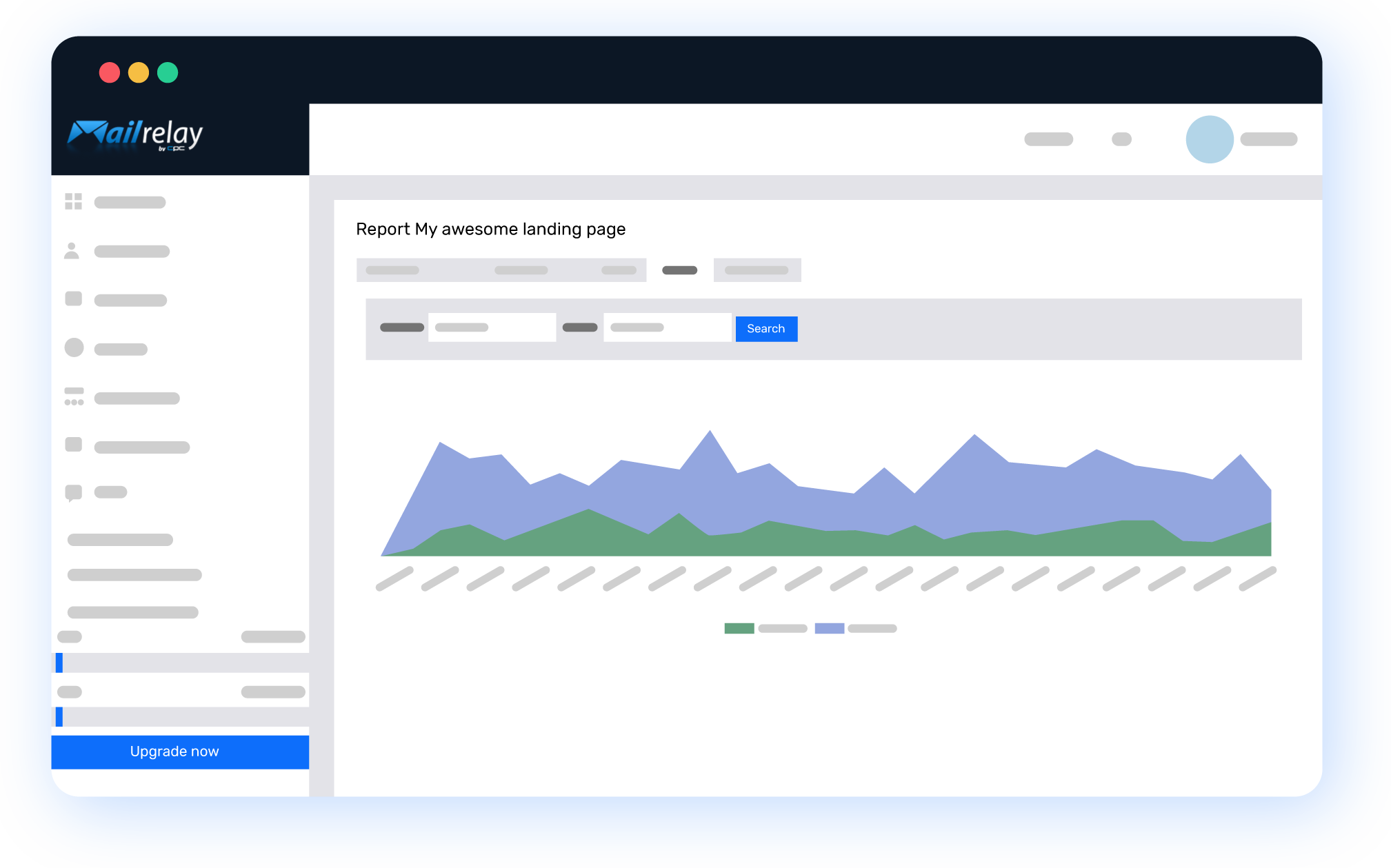
Measure your results
Track your landing page’s performance and how many contacts you get in real time.
If you add UTM parameters to the links you share, you’ll also know which channel brings you the most signups.
What a landing page brings to your campaigns
One single goal
The page asks for one action, with no menus or links to distract visitors. That makes it easier for them to do what you’re after.
More subscribers
Every landing page is a way into your list. Contacts are saved automatically, without moving data from one tool to another.
No coding
Templates and an editor to customize the design, without touching code or relying on a developer.
Free on every plan
Landing pages, their templates, signup forms and conversion tracking are also included in the free account.
Measurable results
With a single goal, it’s easy to tell whether the page works. You see how many contacts each landing page gets and decide which one to keep.
Landing pages and email in one account
Capture the contact and send them your welcome email, newsletters and campaigns from the same dashboard.

What to use your landing pages for
A landing page works best when it has a clear purpose. These are the most common uses:

Downloads and lead magnets
A guide, a template or a discount in exchange for an email address. It’s the most common way to grow your list with a lead magnet.

Events and webinars
Sign-ups for a webinar, a workshop or a presentation, with the details you need to organize it and remind attendees.

Campaigns and ads
A page for each ad or social media campaign, with the same message as the ad. That way, visitors find exactly what they expected.
Already have the contacts? Stay in touch with them through your email marketing campaigns from the same account.
How much does it cost to create landing pages with Mailrelay?
Nothing. Landing pages, their templates, signup forms and conversion tracking are included in every plan, including the free account.
Frequently asked questions about creating landing pages
A headline that says what you’re offering, a short text with the benefit, a form with few fields and a single button. If you have a customer review or a fact that builds trust, add it near the form. We explain it in more detail in our guide what is a landing page.
As few as possible. For a newsletter, the email address is usually enough, and maybe the name to personalize your messages. If you need more information later, ask for it once the contact knows you.
Welcome them right away, while they still remember you. With an automation, you send an email as soon as they sign up, and then include them in your newsletters and campaigns. If you let weeks go by, many won’t know who you are anymore.
It’s recommended. If the ad talks about a discount on sneakers, the landing page has to talk about the same thing, not your whole store. Plus, with one page per campaign, you know what brings you the most contacts.
A form on your website goes along with other content, like an article or the footer. A landing page is a full page dedicated to a single action, with nothing to distract visitors. The two complement each other, and with Mailrelay you can use both. If you’re comparing tools, check what a good landing page builder should offer.
Trusted by our customers
- Mailrelay has allowed us to improve communication with our customers, build natural customer loyalty, and enhance our customer service. Offering a personal touch is one of our company’s hallmarks, and Mailrelay helps us achieve that effectively. We have received exquisite support at all times, and they have resolved all our inquiries in no time. I…
- The Mailrelay system has been a solution to our marketing system, and the customer support was good, and fast. Customer support is also in Spanish, this enables more of our staff to make contact, the treatment is customized and they are connected throughout the working day, from 8-22 and give rapid assistance. You can send…
- Mailrelay is an easy and efficient tool that has saved us a lot of time and internal IT and commercial resources that weused to have to consume. It allows us toadapt predesigned templates to our corporate style and we can send mailings with personalized fields instantly. It has helpedus with our client relationships.
- We started using Mailrelay in early 2012 as part of an internal communications project and, after we saw that the system brought us good results,including design options, we ended up working with the software tocommunicate with the media and marketing actions. So far, we didn’t have any problems, even in the case of specificcampaigns, when…
- By using Mailrelay, i try to send email marketing campaigns more Professional and with a more attractive design, and with this system I can measure the results of the strategies. Thanks to its statistical system I can sort and track our databases, see the analytical results of our campaigns, etc. Another improvement is the fact that this email…
- Thanks to Mailrelay we can manage our own offers and exclusive packages, in a very agile way. In addition, the support offered by Noé, from the beginning was excellent, fast and effective. This helps us manage the system more easily. Without this help, we would have taken longer to learn how to manage the platform.






Create your first landing page for free
Open your free account, choose a template and start capturing subscribers today.