Internal newsletter: what it is and how to create one your team actually reads
The email that keeps your team informed without extra meetings: what to share, how often to send it and which tool to use
An internal newsletter is the email bulletin a company sends to its own team. It helps everyone know what’s happening in the organization without relying on rumors, endless meetings or email chains with twenty people in CC.
Here you’ll find what it is, what to include, how often to send it, which tool to use and how to measure whether it gets read.
An internal newsletter, or internal bulletin, is a regular email sent to an organization’s employees and collaborators. It covers company news, project progress, policy changes, new hires, team achievements and key dates.
It differs from a customer newsletter in its audience and its goal. It isn’t meant to sell, but to inform, align the team and strengthen company culture. You’ll also see it called a corporate newsletter, internal bulletin or internal email communication.
| Internal newsletter | Customer newsletter | |
|---|---|---|
| Recipients | Employees and collaborators | Subscribers and customers |
| Goal | Inform, align, engage | Build loyalty and sell |
| List | All staff, from HR or the company directory | Sign-ups with the subscriber’s permission |
| Key metric | Reads and clicks on important announcements | Clicks and conversions |
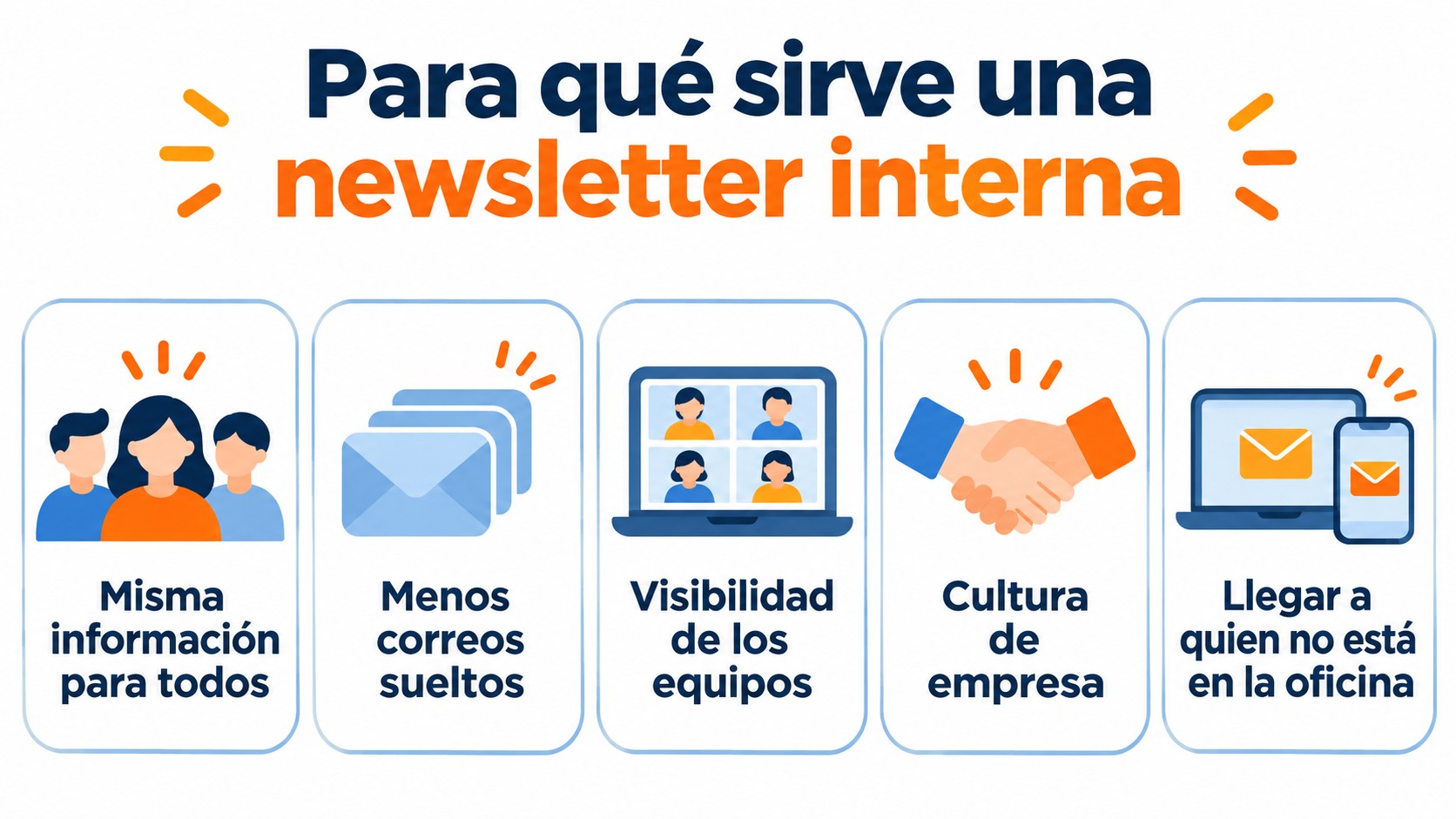
- Giving everyone the same information. It stops each department from finding things out on its own.
- Cutting down on one-off emails. It groups announcements that nobody reads when sent one by one.
- Giving visibility to the teams’ work. Recognizing achievements builds a sense of belonging.
- Strengthening company culture. Values, stories and news told by the people involved.
- Reaching people who aren’t in the office. Remote teams, store staff or teams across several locations.
Your internal newsletter, with design and statistics
Responsive templates, groups by department and open and click statistics included in the free account.
It works best with fixed sections the team recognizes in every issue, plus a couple of pieces that change:
- Message from management or the main story. Short, with the month’s key points.
- Project updates. What has launched, what’s coming and who’s in charge.
- People. New hires, anniversaries, recognition and role changes.
- Practical notices. Holidays, closures, changes to policies or tools.
- Training and resources. Courses, internal guides or a recommended read.
- Calendar. Events, all-hands meetings and key dates.
- Participation. A short survey, a question or a space for suggestions.
If your company posts internal job openings, they fit here too. SEAT, for example, uses newsletters with its corporate branding for a department’s internal communication, with internal job openings and news, as its case study explains.
How often to send it and how to design it
The most common frequency is monthly or every two weeks. A weekly newsletter only works if there’s enough content to fill it without padding. What matters is that it always arrives on the same day, so the team expects it.
For the design, use the company’s visual identity, clear headlines and short blocks with a link to read more. Many employees will open it on their phones, so you need a responsive design. If you have different teams, segment by department, location or language so each person gets what’s relevant to them.
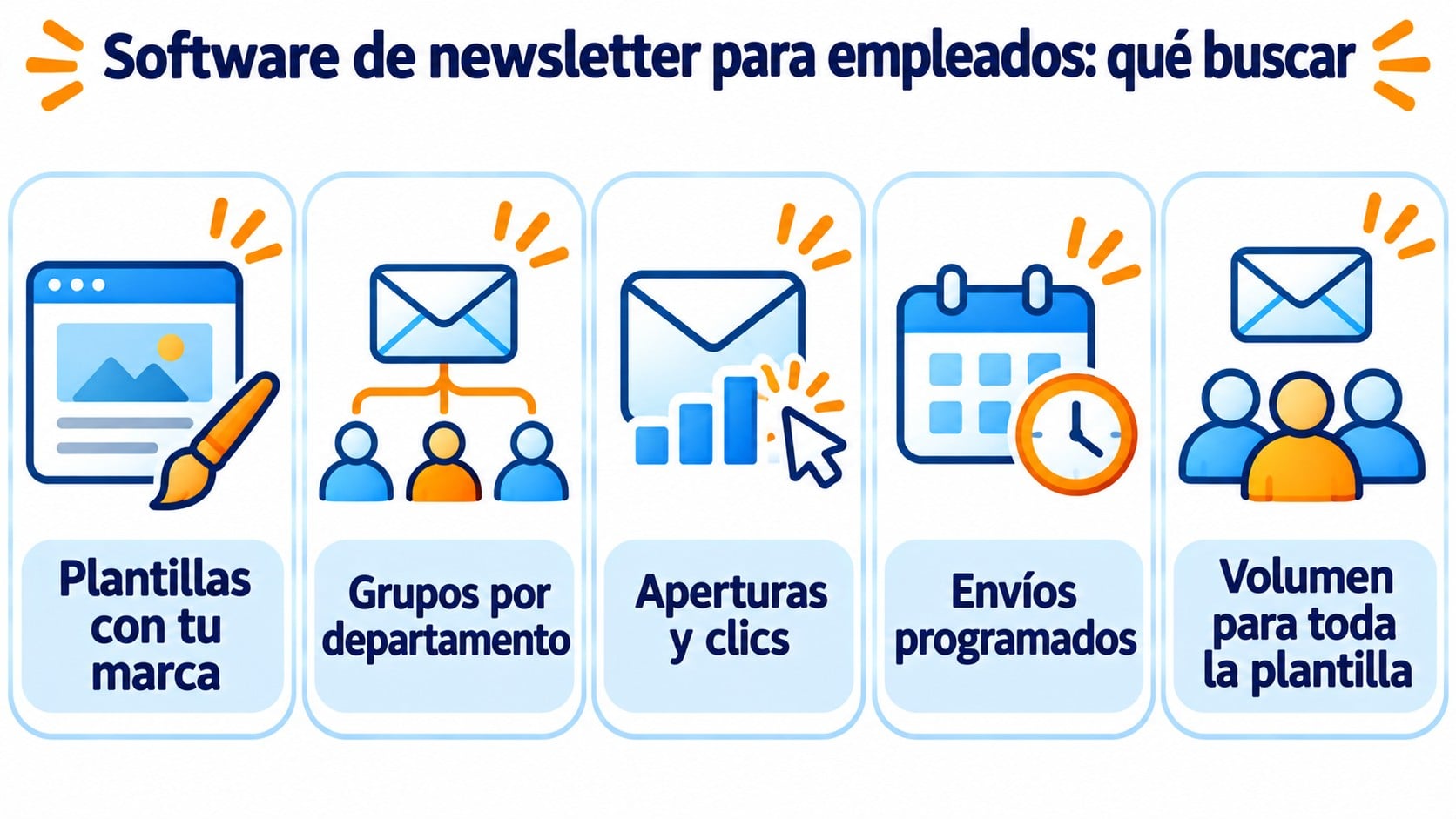
For a small group, your corporate email may be enough, but as the team grows, problems appear: designs that break, lists managed by hand and no way of knowing who has read it. An email marketing platform solves that. Look for these features:
- Drag-and-drop editor with templates that match your brand.
- Groups and segments by department, location or language.
- Open and click statistics for each campaign.
- Scheduling so the newsletter always goes out at the same time.
- Enough volume for all your staff without paying per send.
A practical tip: ask your IT team to add the platform to the corporate email whitelist. That way the company filter won’t mistake your newsletter for external email.
Check the open rate, clicks on each section and survey responses. Opens give you a rough idea, but some email clients inflate them, so focus mainly on clicks.
Test one change at a time: the subject line, the send day or the order of the sections. And ask the team twice a year what they want to read. That answer is worth more than any metric.
How Mailrelay Helps You
With Mailrelay you can design your internal newsletter with the editor and responsive templates, organize your staff into groups by department or location and schedule each send. Open and click statistics are included in the free account.
The free account lets you send 80,000 emails a month to 20,000 contacts, with no daily limit. For most companies, that covers both the internal newsletter and the customer one. And if you have questions while setting it up, there’s human support on every plan.
Send your internal newsletter for free
80,000 emails a month to 20,000 contacts, with no daily limit and human support to help you get started.
Frequently Asked Questions
Internal communication is everything a company shares with its team: meetings, intranet, chats or posters. The internal newsletter is one of its channels: the one that arrives regularly by email.
Most commonly once a month or every two weeks. Choose a frequency you can keep up with useful content.
How do I get employees to read it?
Always send it on the same day, with a specific subject line, short sections and content that affects their work. Feature team members and ask for feedback from time to time.
It’s the email bulletin that keeps your team informed. It works with a fixed frequency, recognizable sections, a mobile-friendly design and content that matters to the people who receive it. With an email marketing platform you can send it to all your staff and see which parts get read.