Thin content: what it is, why it hurts your SEO and how to fix it
Which pages Google considers thin content and what to do with each one: improve, merge, deindex or delete
Thin content is website content that offers little or no value to the people who read it. They are empty or copied pages, or pages made only to rank, that don’t answer what the user is looking for.
It is also known as low-quality content or low-value content. It is one of the most common reasons a website loses visibility on Google.
What does thin content mean?
Thin here means lacking in substance. Thin content has little substance, even when it has plenty of words.
The term became popular in 2011 with Panda, the Google update that started penalizing websites with many low-quality pages. Since 2016, Panda has been part of the core algorithm.
Today Google addresses it as part of its concept of helpful content: pages made for people, not just for search engines. In March 2024 it reinforced this approach with new policies against content created at scale just to rank.
Why does it hurt SEO?
Google wants to show the pages that best answer each search in its results. If a page adds nothing, there’s no reason to show it.
The problem goes beyond that one page. When a website has many thin pages, the search engine may rate the whole site lower. It also spends time crawling useless pages instead of the important ones.
And users notice: they land on the page, don’t find what they’re looking for and leave. That reduces engagement and trust in the brand.
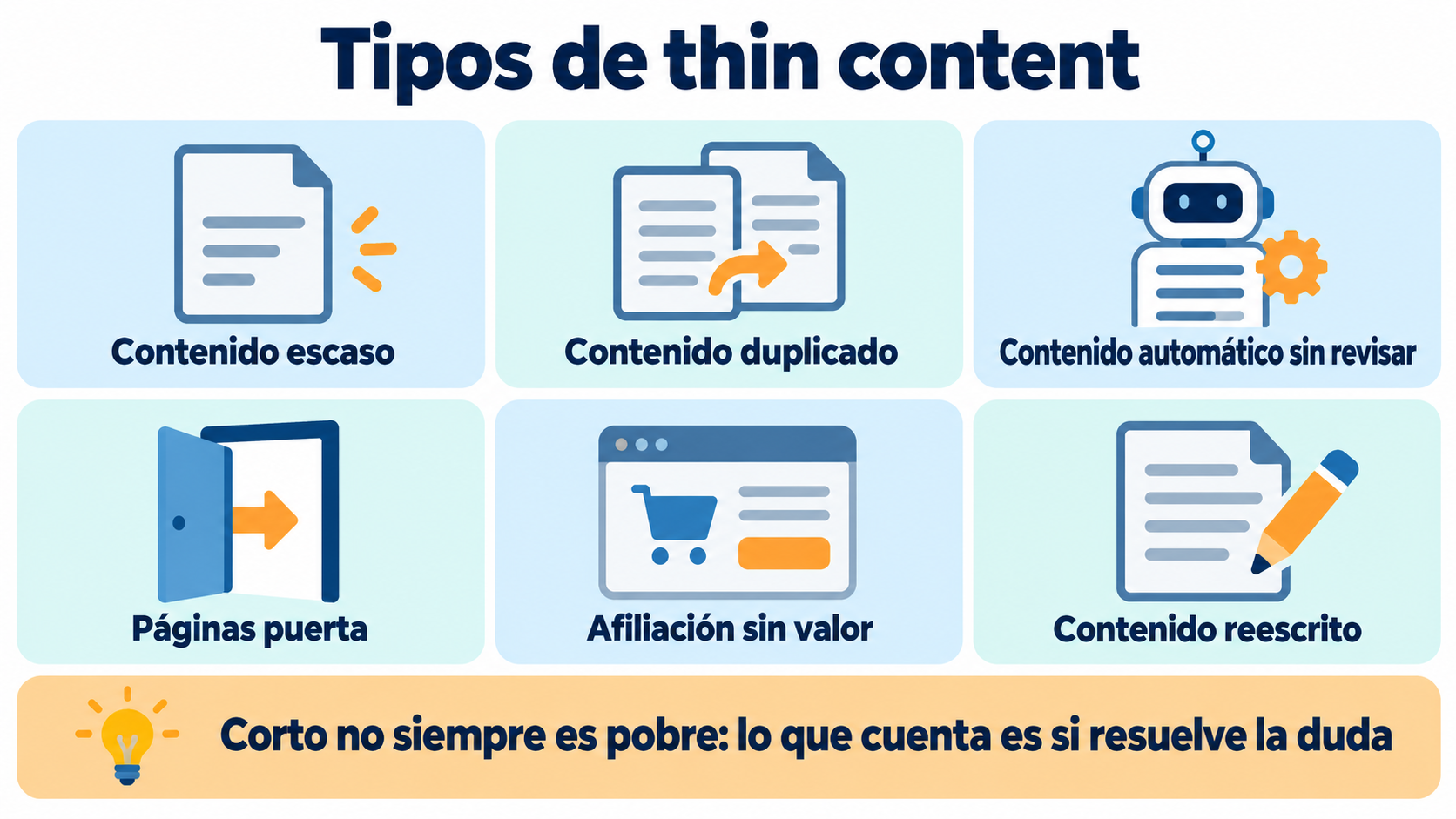
Types of thin content
| Type | What it is | Example |
|---|---|---|
| Very little content | Pages with very little useful information | A product page with only the name and the price |
| Duplicate content | Text copied from other websites or repeated within your own | Using the manufacturer’s description on every product page |
| Automated content | Text generated in bulk with no review or added value | Hundreds of AI-generated articles published without editing |
| Doorway pages | Near-identical pages created to attract searches and send users to another page | “Plumber in Madrid”, “Plumber in Getafe”… with the same text |
| Affiliate content without value | Pages that only copy the seller’s information | Reviews with no personal opinion or product testing |
| Rewritten content | Other people’s text reworded with synonyms | So-called article spinning |
Keep in mind: short doesn’t always mean thin. A brief, accurate answer can be the best result. What matters is whether it answers the user’s question.
How to detect thin content on your website
These signs will help you find it:
Pages with no organic traffic. In Google Search Console, look for URLs with very few impressions over several months.
Indexed pages that shouldn’t be. Tags, internal search results, thank-you pages or print versions.
Duplicate content. Tools like Siteliner or the audits in SEO tools show text repeated across pages.
High exit rate. If almost every visitor leaves without interacting, the page may not be answering what they were looking for.
Several pages for the same thing. If you have three nearly identical articles, they compete with each other and none of them stands out.
Bring your best content to your subscribers
Announce every new or updated article by email and get visits from day one.
How to fix it
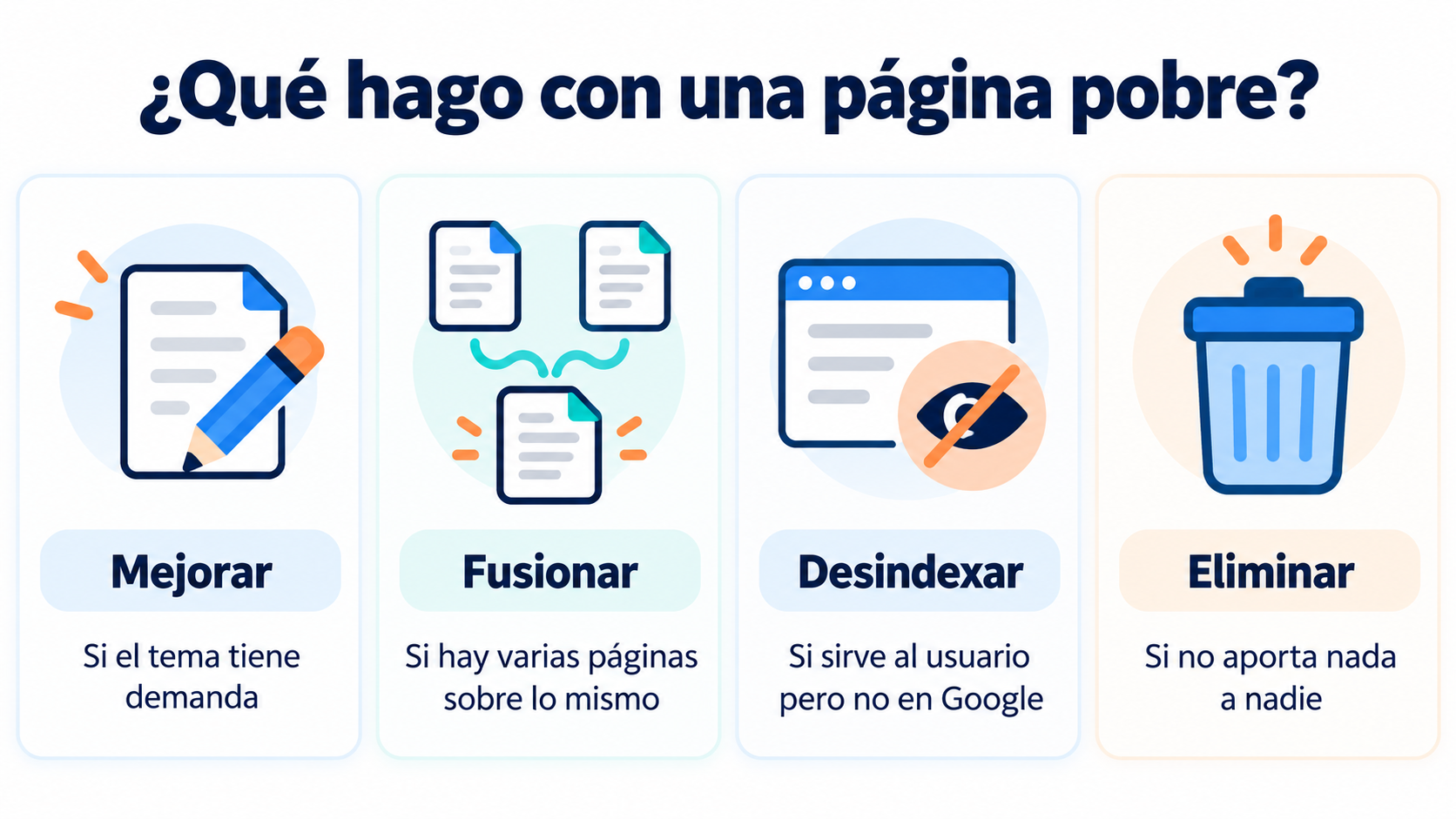
There are four ways to deal with each thin page:
| Action | When to use it |
|---|---|
| Improve | The page covers a topic people search for: expand it with data, examples and real answers |
| Merge | There are several pages about the same thing: combine them into one and redirect the others with a 301 |
| Deindex | The page is useful to users but adds nothing on Google: mark it as noindex |
| Delete | It adds nothing for anyone: delete it and, if it has links, redirect it |
When improving a page, start with the user’s question. Add what only you can offer: first-hand experience, data from your business, real examples or templates. Also review the metatags so the title and description promise what the page delivers.
Thin content and email marketing
Some email-related pages often create thin content without anyone noticing:
Web versions of newsletters. If they’re published and indexed, they can duplicate your blog content. If you want them public, it’s better to have a well-organized newsletter archive.
Thank-you and confirmation pages. They’re useful for subscribers, but not for Google: it’s best to mark them as noindex.
Landing pages from past campaigns. Once the campaign is over, update them, redirect them or deindex them. More ideas in our landing page entry.
On the other hand, your emails can help a good page get visits and links from day one.
How Mailrelay helps you
With Mailrelay you can send every new or updated piece of content on your website to your subscribers, segmented by interests, and see which articles get the most clicks. That way you know which topics your audience really cares about before you write the next one.
The free account includes up to 80,000 emails a month and 20,000 contacts, with human support by chat, ticket and phone.
Send your newsletters with Mailrelay
Up to 80,000 emails a month and 20,000 contacts for free, with human support on every plan.
Frequently Asked Questions
These are the most common questions about thin content.
What is thin content in a nutshell?
Content that offers no value to the user: empty or copied pages, or pages created only to rank.
How many words does a page need to avoid being thin content?
There is no minimum. A short page can be useful if it answers the search well, and a long one can be thin if it says nothing.
Does Google penalize duplicate content?
It doesn’t usually apply a manual penalty, but it picks a single version to show and the others lose visibility. If the duplication is meant to manipulate results, then it can be penalized.
Is AI-generated content thin content?
Not in itself. It is if it’s published in bulk, without review and without adding anything new. When it’s reviewed and enriched with first-hand experience, it can be useful.
How do I know if Google has penalized me for thin content?
If there’s a manual action, it shows up in Search Console, in the Security & Manual Actions section. If not, you’ll see it as a drop in traffic after an algorithm update.