Email blast: what it is, what it means and when to send one
The same message to your whole list in one go: when it's the best option and when it only brings unsubscribes and complaints
One email, the whole list and a click on “Send”. That’s how an email blast works, the most direct way to reach all your subscribers at once. It’s useful for important announcements, but if you make it your usual way of sending, your contacts end up ignoring you or unsubscribing.
What is an email blast?
An email blast is sending the same message to your entire contact list, or to a very large part of it, all at once and without tailoring it to different groups. It’s mainly used for announcements, one-off offers or notices that matter to everyone.
You’ll also see it written as eblast, e-blast or mail blast. They all mean the same thing.
What does email blast mean?
Blast means a “burst” or an “explosion”. An email blast is, literally, an email shot: you fire the same message at lots of people at the same time.
It’s also called a mass email or a bulk email campaign. In the industry the term sometimes has a negative ring, because it’s associated with sending without thinking about who receives it.
Email blast, bulkmail and email broadcasting
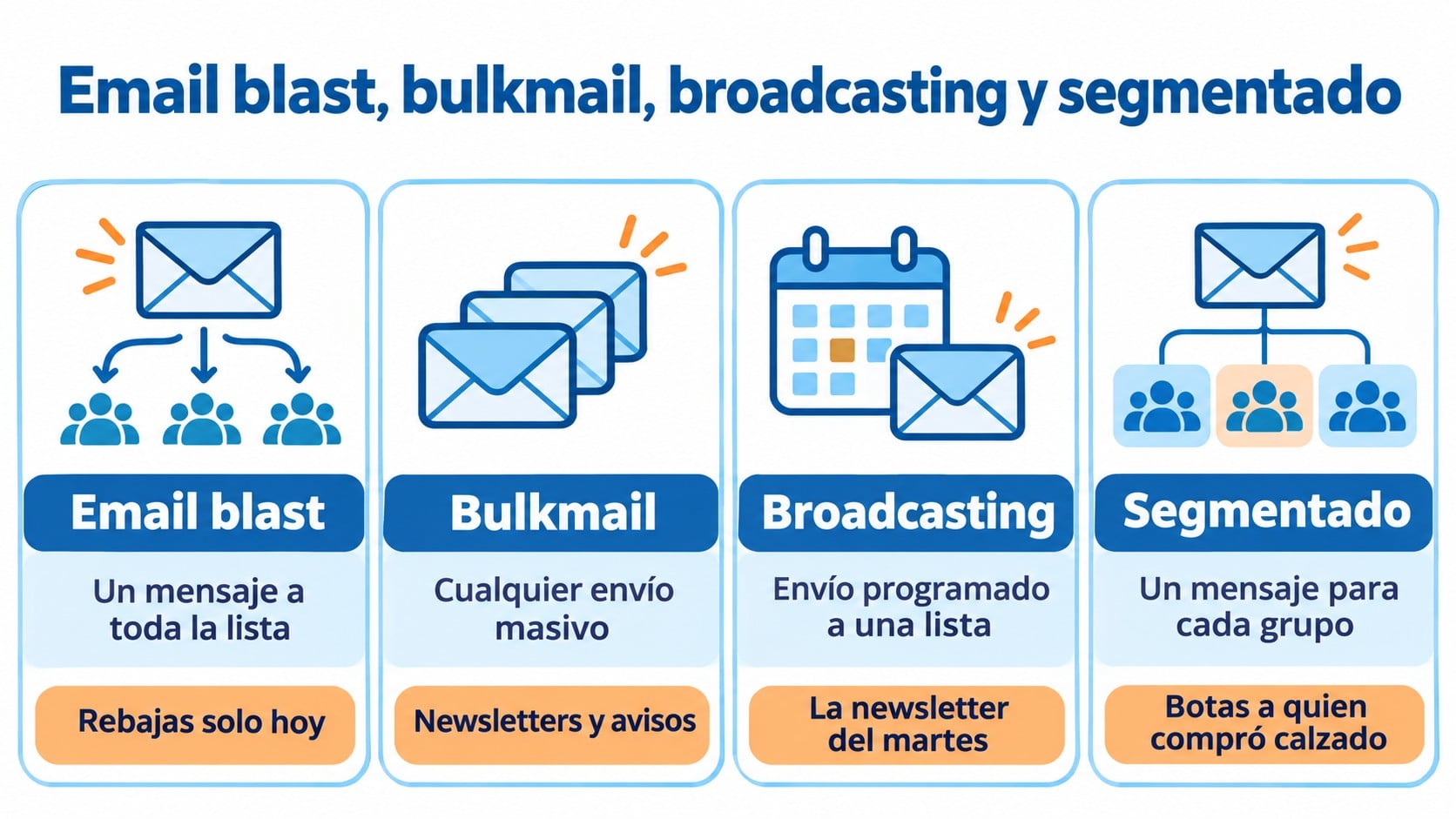
These three terms are often mixed up. The difference lies in the nuance:
| Term | What it describes | Example |
|---|---|---|
| Email blast | The same message to the whole list, unsegmented, in a one-off send | “30% off, today only” to every contact |
| Bulkmail | Any mass send, segmented or not | Newsletters, promotions and large-scale notices |
| Email broadcasting | A scheduled send to a list or segment, as opposed to automated ones | The Tuesday newsletter |
| Segmented email | Different messages for each group on the list | An offer on boots for people who bought footwear |
In other words, every email blast is a mass send, but not every mass send is an email blast.
When an email blast makes sense
Some messages really do matter to all your contacts. In those cases, sending the same thing to the whole list is the right call:
- Service notices, such as a change in opening hours, an outage or a holiday closure.
- Legal changes, such as new terms or an updated privacy policy.
- Big announcements, such as a launch, an opening or a rebrand.
- General offers with a deadline that apply to the whole catalog, such as Black Friday.
What you shouldn’t do is make it a routine. If you send the same offer to everyone every week, without looking at who buys what, most people will get messages they don’t care about.
The risks of always sending to the whole list
The problem with this kind of send isn’t the volume, it’s the lack of relevance. When a contact keeps getting messages they don’t care about, they stop opening them, unsubscribe or click “Report spam”.
Each of those reactions weighs on your sender reputation. According to Gmail’s sender guidelines, the complaint rate must stay below 0.3%, and ideally shouldn’t go above 0.1%. If you go over it, your next campaigns will start landing in the spam folder, including the well-planned ones.
On top of that, contacts who never open become graymail, mail that providers treat almost like spam.
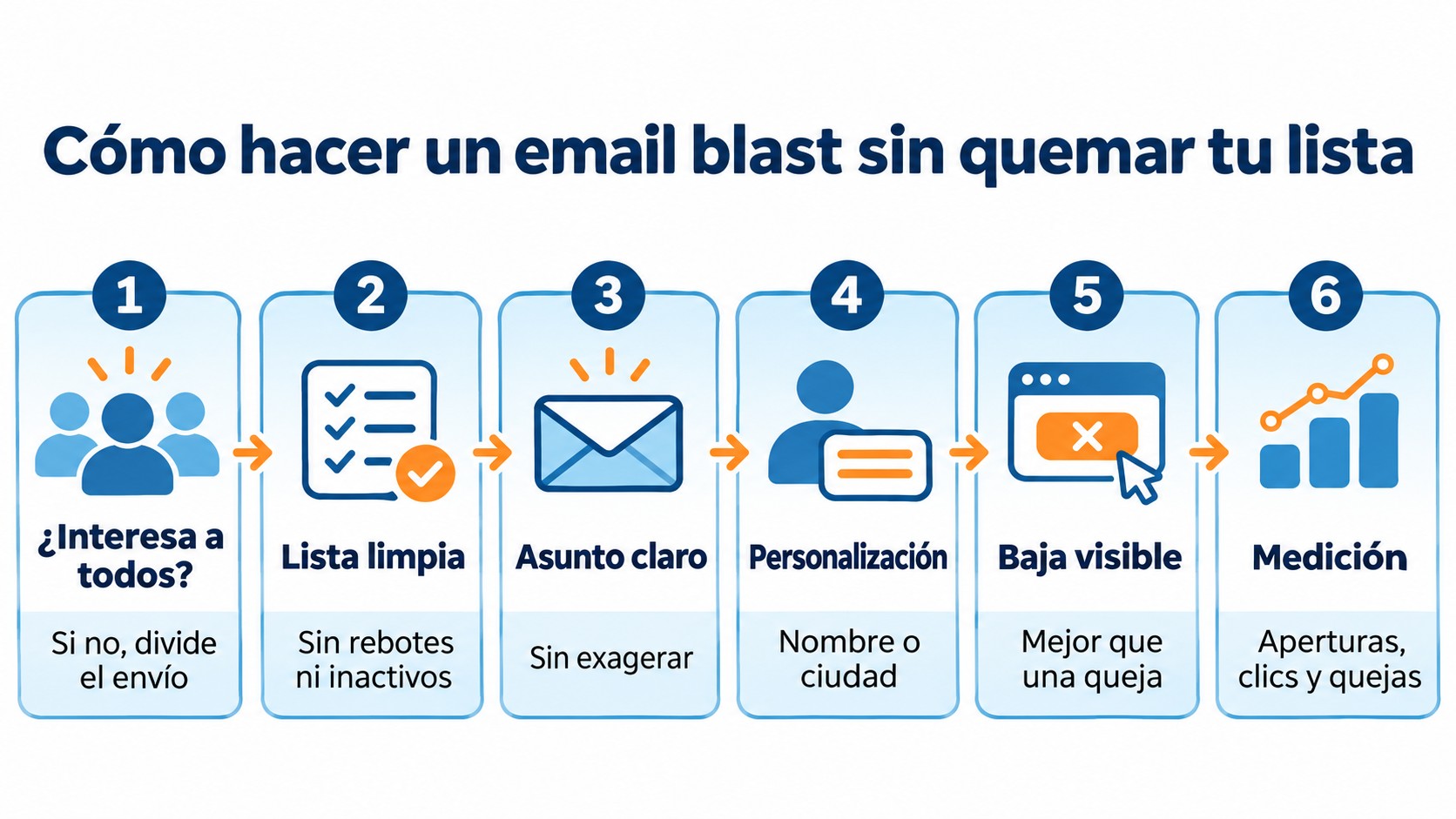
How to send an email blast without burning out your list
- Ask yourself whether it really matters to everyone. If the answer is no, split the send by groups.
- Clean your list first. Remove bounces and contacts who haven’t opened in months. Good list hygiene avoids surprises.
- Write a clear subject line. It should say what’s inside without exaggerating.
- Add some personalization. Even if the message is the same, the contact’s name or city makes it feel more personal.
- Keep the unsubscribe link visible. It’s better for someone to unsubscribe than to mark your email as spam.
- Measure and compare. Look at opens, clicks, unsubscribes and complaints compared with your segmented sends.
Email blast example
A simple example for an online store announcing it’s closing for stocktaking:
| Part | Text |
|---|---|
| Subject line | We’re closed on Monday the 2nd for stocktaking |
| Preheader | Orders placed that day will ship on Tuesday |
| Body | Hi Laura, On Monday, December 2, we’re closing to do our stocktaking. You can keep shopping on the website, but orders placed that day will ship on Tuesday the 3rd. |
| Call to action | See what’s new |
It’s short, relevant to every customer and doesn’t try to oversell. That’s a good use of this format.
Send to your whole list or only to those who are interested
Newsletters to your whole list or by groups and segments. The free account lets you send 80,000 emails a month to 20,000 contacts.
How Mailrelay helps you
With Mailrelay you can send the same newsletter to your whole list whenever you need to, and also split it into groups and segments when the message isn’t for everyone. The free account lets you send 80,000 emails a month to 20,000 contacts, with no daily or hourly limit.
Every sign-up is confirmed with double opt-in, so your mass sends reach people who really want to receive them. And if you have questions, there’s human support on every plan.
Frequently asked questions
What is an eblast?
It’s the same as an email blast: sending a single message to an entire contact list at once. Eblast is the short form.
Is an email blast spam?
No, as long as the recipients have given their permission and can unsubscribe easily. It becomes spam when it’s sent to purchased lists or to people who didn’t ask for it.
How often can you send an email blast?
There’s no set number. Save it for messages that matter to everyone, and use segmentation for the rest of your communications.
Key takeaways about email blasts
It’s the fastest way to reach your whole list with a single message. It works well for notices and announcements that affect everyone, and badly as a habit. The rule is simple: if the message doesn’t matter to everyone, don’t send it to everyone.
Your next announcement, to your whole list in minutes
Editor, segmentation and automations at no cost, with human support on every plan.