Wix: what it is, what it's for and its main tools
How it works, what you can build with it and how to connect it to your email marketing
In marketing and digital presence, having an attractive, functional website that is easy to manage is a must.
This is where Wix comes in, one of the most popular and versatile website building platforms on the market.
In this glossary entry, we’ll dive into what Wix is, its history, its advantages and how it compares to other available solutions.
What is Wix?
Starting with the basics, Wix is an online platform that lets users create and manage websites intuitively.
All without any programming knowledge.
Using a drag-and-drop design system, Wix has democratized web design, giving entrepreneurs, small businesses and creatives the tools to establish their online presence.
Wix tools
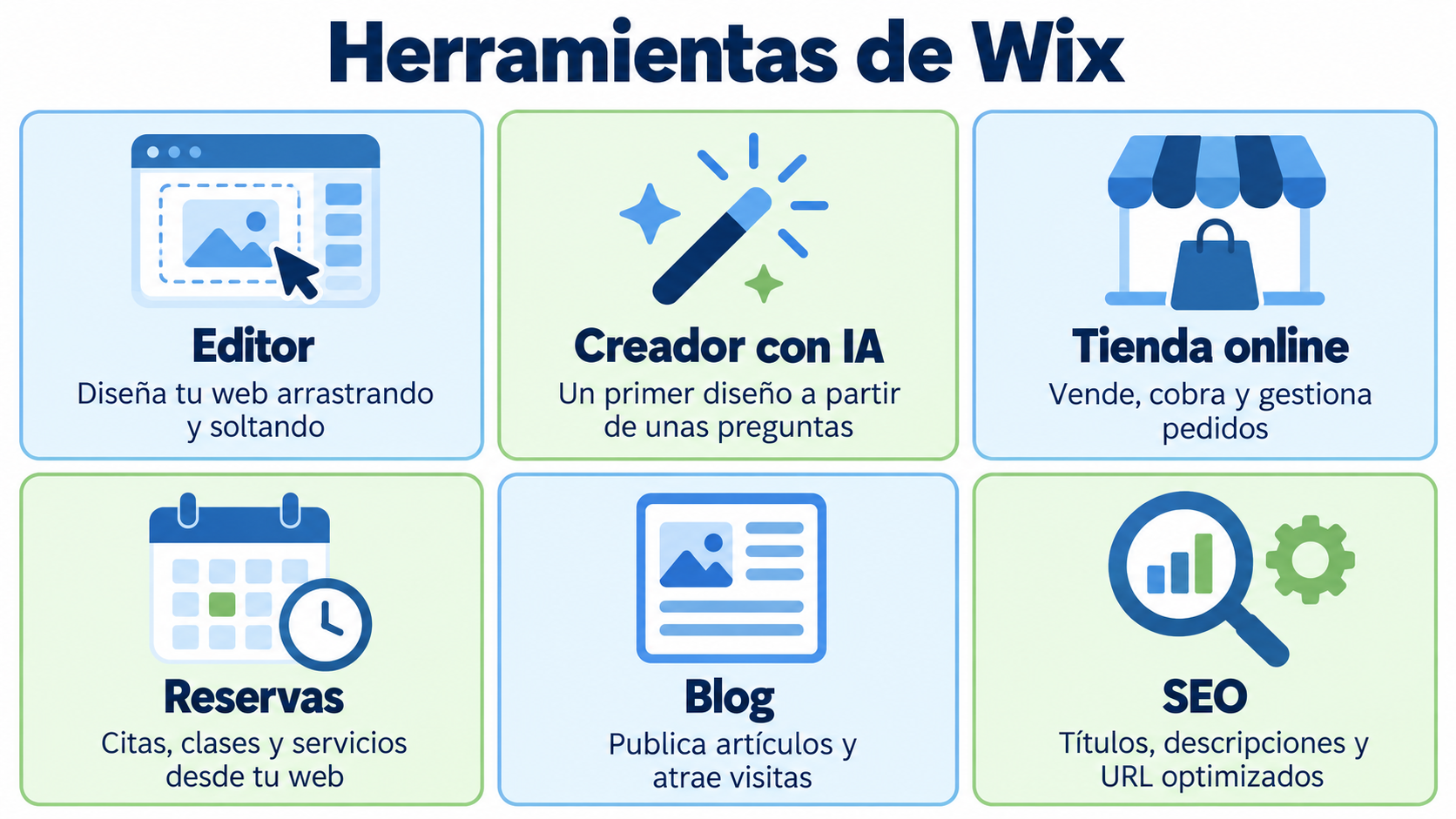
Wix brings together several tools on a single platform to build and manage your website:
| Tool | What it’s for |
|---|---|
| Wix Editor | Design the website by dragging and dropping elements onto a template |
| AI website builder | Generate a first design from a few questions about your business |
| Wix Studio | Websites for agencies and designers, with more control over design and code |
| Online store (Wix Stores) | Sell products, take payments and manage orders and inventory |
| Bookings (Wix Bookings) | Let customers book appointments, classes or services from the website |
| Blog | Publish articles and attract visitors from search engines |
| Wix Email Marketing | Send simple newsletters to the website’s contacts |
| SEO Tools | Edit titles, descriptions and URLs, and check the website with a task checklist |
| App Market | Add features from other companies, such as live chat or forms |
Connect your Wix website to your email marketing
Turn your Wix website visitors into subscribers and nurture that relationship with Mailrelay.
What is Wix used for?
Wix lets you build and maintain a website without coding or renting a server. Some examples:
- Small businesses: a website with services, opening hours, a map and a contact form.
- Online stores: a catalog with payments, shipping and order management.
- Professionals and freelancers: a portfolio of their work and a button to request a quote.
- Restaurants, beauty salons or academies: bookings and appointments right from the website.
- Blogs and small media outlets: publish articles and attract readers.
History and Origin of Wix
Wix was founded in 2006 by Avishai Abrahami, Nadav Abrahami and Giora Kaplan.
Its goal was simple: to simplify the process of building websites.
Initially launched as a Flash-based platform, Wix made a timely transition to HTML5 in 2012.
This was a response to the changing needs of the market and Flash’s limitations on mobile devices.
Wix in the digital marketing ecosystem
Building a website is just the beginning in the world of digital marketing.
Once you have a website, you need to attract traffic, turn visitors into customers and keep those customers engaged.
This is where integrating email marketing and SMS marketing tools can be very valuable.
For example, a business can use Wix to build its online store and, at the same time, integrate email marketing tools to send newsletters, special offers or news to its subscribers.
In addition, by integrating SMS marketing, it can alert customers to flash sales or send discount codes directly to their phones.
Key features of Wix
- WYSIWYG editor: Wix uses a “What you see is what you get” (WYSIWYG) editor, which means users can see how their site will look in real time while they edit it.
- AI website builder: Wix creates a first design of your website from a few questions about your business. It replaces Wix ADI, which stopped being supported in November 2024.
- Apps and add-ons: Wix has an app market that lets users add extra features, from live chat to booking tools and more.
- SEO-friendly: Wix provides SEO tools to help websites rank better in search engines.
Advantages of using Wix
- Ease of use: Ideal for beginners and for those who have no experience in design or programming.
- Flexibility: Wide variety of templates and applications to customize the site.
- Updates and support: As a hosted platform, Wix takes care of updates and offers customer support.
Considerations when using Wix
Although Wix offers many advantages, there are also some aspects you should consider.
The editor’s flexibility may be overwhelming for some users.
In addition, moving a website off Wix can be more complicated than with other platforms.
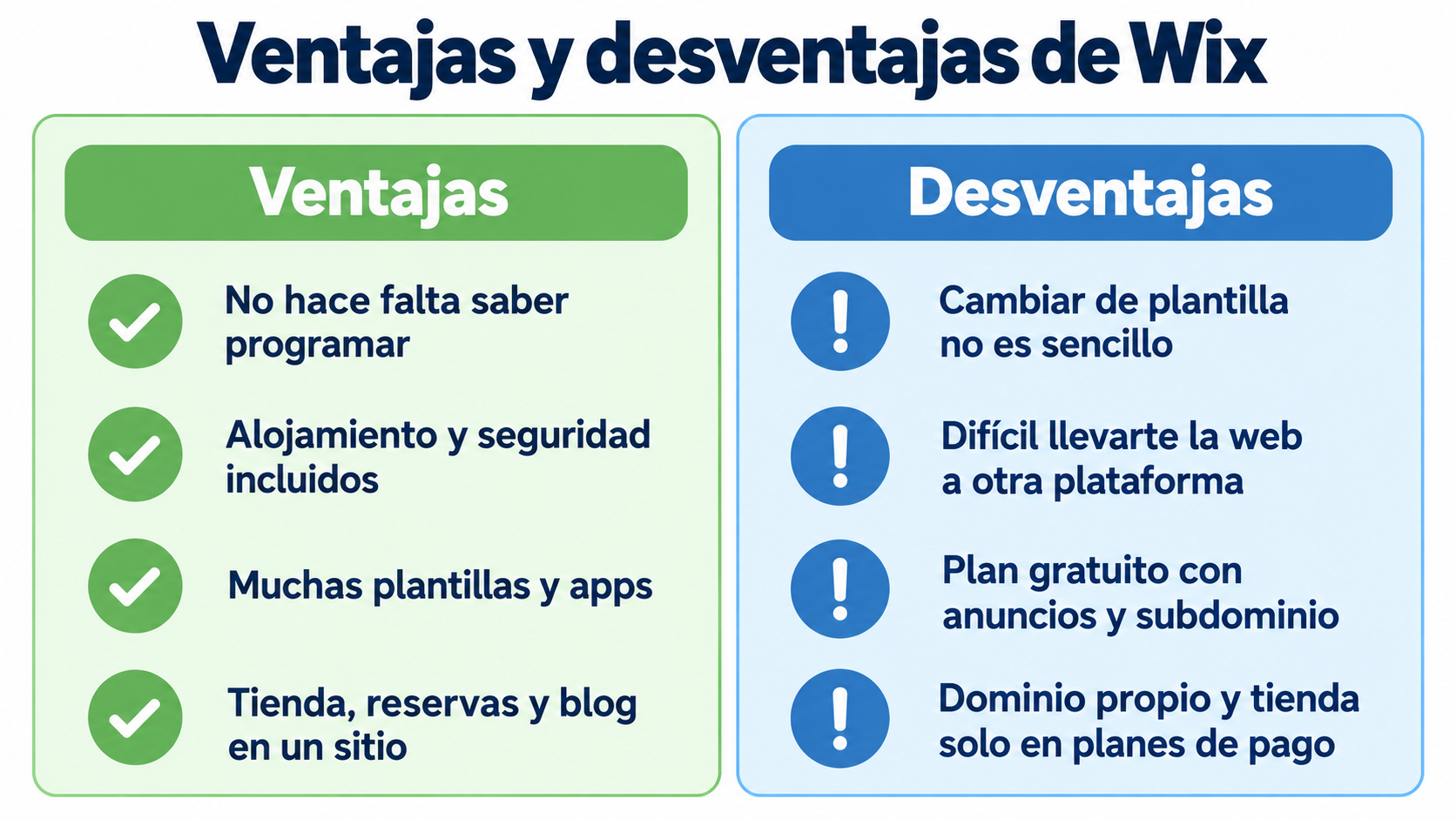
Wix pros and cons
| Pros | Cons |
|---|---|
| No coding knowledge needed | Switching templates after publishing isn’t easy |
| Hosting, security and updates included | Moving your website to another platform is complicated |
| Lots of templates and apps | The free plan uses a Wix subdomain and shows Wix ads |
| Store, bookings and blog in one place | To use your own domain or sell, you need a paid plan |
| Free plan to get started | Less technical control than WordPress |
Wix and email marketing
A website gets visits, but most visitors never come back. That’s why your Wix website should have a subscription form: that way you can email those people again.
There are three ways to do it:
- Wix Email Marketing, Wix’s own tool, for simple newsletters to your website’s contacts.
- Embed the form from your email marketing tool. In Mailrelay you can create a custom subscription form and copy its HTML code. In the Wix Editor, go to Add Elements > Embed Code > Embed HTML, click Enter Code and paste the code. Wix displays that code inside a frame (iframe), so set the width to 100% so it looks good on mobile.
- Connect them with Make. Make has a Wix module that detects form submissions and a Mailrelay module that creates or updates the subscriber. To use the Wix module you need a paid Wix plan.
How Mailrelay helps you
Today’s digital world requires businesses, large or small, to have a solid online presence.
Wix, focusing on ease of use and flexibility, certainly offers a robust solution to many.
However, like any tool, it’s worth weighing its features and considerations against your business’s specific needs and goals.
By integrating strategies such as email marketing and SMS marketing, a website created with Wix will not only be a digital showcase, but a powerful tool for customer interaction and conversion.
In short, Wix is a formidable contender in the website building space and deserves consideration in any digital marketing strategy.
With Mailrelay you can turn your Wix website visitors into subscribers and stay in touch with them:
- Subscription forms you can embed in Wix, with double opt-in on every signup.
- Automations, such as a welcome email when someone subscribes from your website.
- Segments to send each subscriber what they’re interested in.
- SMS marketing for urgent alerts, such as a flash sale.
The free account includes 80,000 emails a month and up to 20,000 contacts.
Grow your list from your website
Integrate subscription forms and automate your email marketing campaigns with Mailrelay.
Frequently asked questions
What is Wix?
It’s a platform for building websites without knowing how to code. You design the website by dragging elements onto a template, and Wix takes care of hosting, security and updates.
Is Wix free?
It has a free plan to build and publish a website, with a Wix subdomain and Wix ads. To use your own domain, remove the ads or sell online, you need a paid plan.
What is Wix used for?
To build business websites, online stores, portfolios, blogs and websites with bookings, without coding or renting a server.
What’s the difference between Wix and WordPress?
Wix is easier to use and includes hosting. WordPress gives you more control and lets you move your website to any server, but it requires more knowledge and maintenance.
How do I connect my Wix website to Mailrelay?
Create a subscription form in Mailrelay, copy its HTML code and paste it into a Wix Embed HTML element. If you have a paid Wix plan, you can also connect them with Make.