Automated emails: what they are, types and examples of automatic emails
Emails that send themselves at just the right moment and work for you
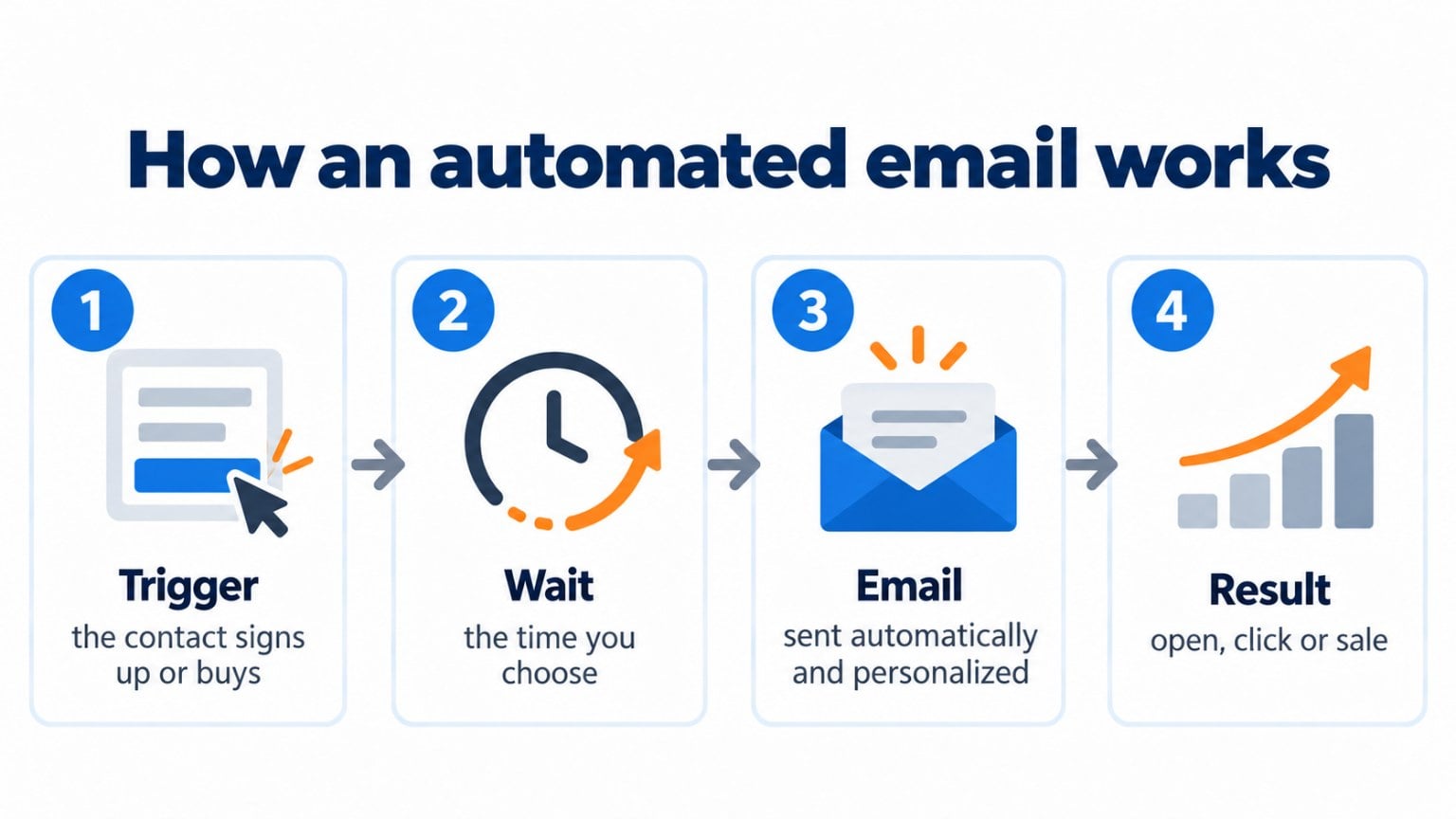
Automated emails are emails that send themselves when someone does something specific or a certain date arrives, without you having to click “send” every time. They are also called automatic emails or auto emails. You set them up once and they work for you every day.
For example, someone subscribes to your newsletter and instantly receives a welcome email. Or a customer leaves products in their cart and, an hour later, gets a reminder. Nobody sends them by hand: an action triggers them.
What are automated emails for?
They let you send the right message at the moment it matters most to each person. Because they respond to what the subscriber does, they usually get more opens and clicks than a campaign sent to your whole list.
These are their most common goals:
- Welcome every new contact and start the relationship off on the right foot.
- Nurture leads with a series of emails that answer their questions until they buy.
- Recover lost sales, such as abandoned carts.
- Build loyalty with messages on special dates, such as a birthday or an anniversary.
- Sell more to existing customers, with related products or news, and improve their customer lifetime value (CLV).
- Collect feedback after a purchase to improve your product.
Create your automated emails for free
Automations are included in the free account: welcome, birthday, abandoned cart and more.
What types of automated emails are there?
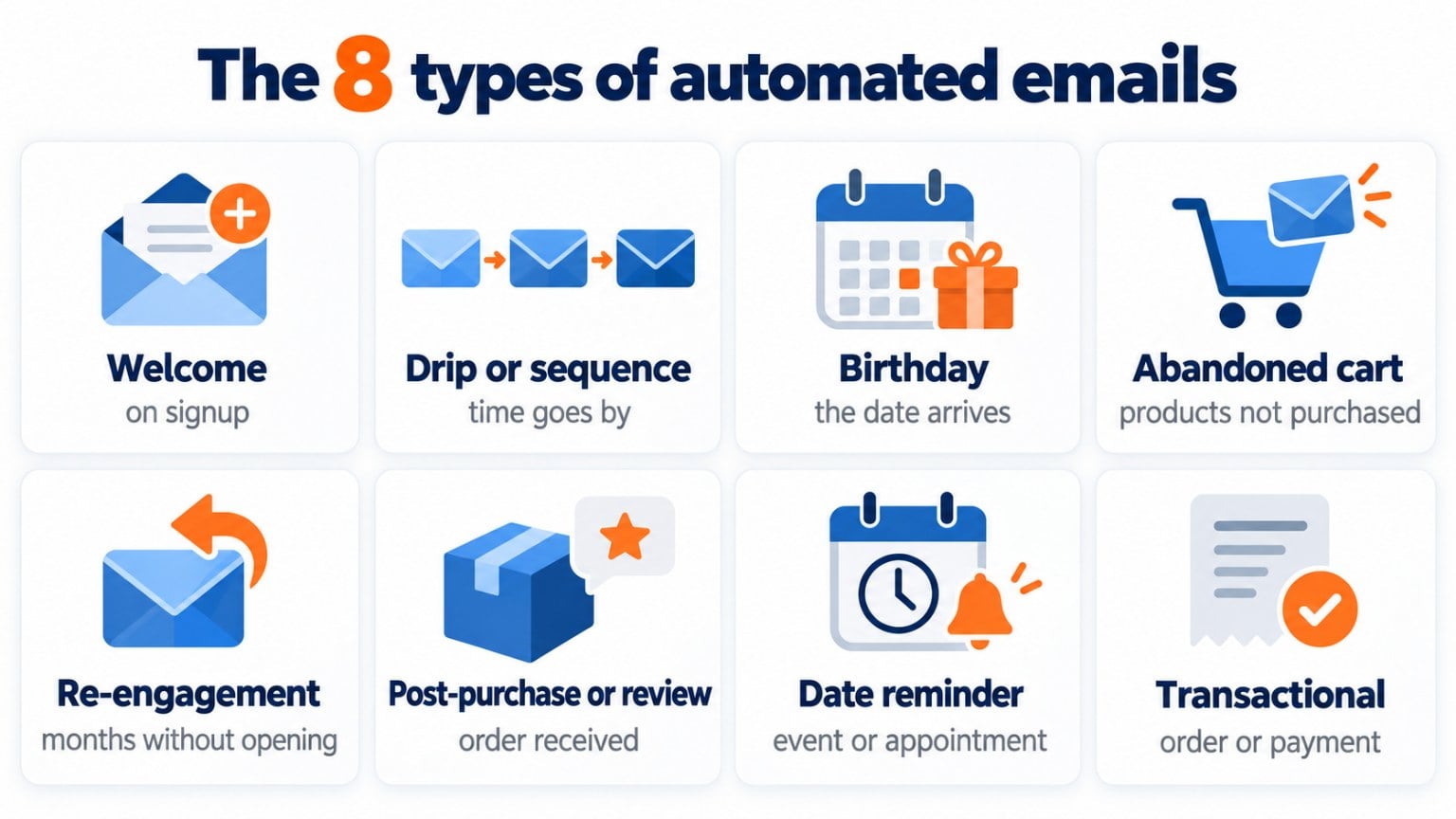
Every automated email starts with a trigger: the action or date that sets it off. These are the most common types, with a sample subject line for each:
| Type | What triggers it | Sample subject line |
|---|---|---|
| Welcome | The contact subscribes to your list | “Welcome, Laura: here’s what you’re going to receive” |
| Drip or sequence | Some time has passed since the previous email | “Day 3: the 5 most common mistakes” |
| Birthday | The subscriber’s birthday arrives | “Happy birthday: a gift is waiting for you” |
| Abandoned cart | The customer leaves products without buying | “You left something in your cart” |
| Re-engagement | The contact hasn’t opened your emails for months | “Shall we keep in touch?” |
| Post-purchase or review | The customer has received their order | “What did you think of your purchase?” |
| Date reminder | An event, appointment or due date is coming up | “The webinar is tomorrow: here’s the link” |
| Transactional | The user places an order, changes their password or pays | “Your order #1234 is on its way” |
The most profitable ones are usually the welcome and abandoned cart emails, because they arrive when interest is at its peak.
How do they differ from a regular campaign and from a transactional email?
A campaign is sent manually, to a list or a segment, on a date you choose. An automated email sends itself, to each person individually, when they meet the condition you’ve defined.
A transactional email is a special type of automated email. It’s triggered by a user’s action (a purchase, a payment, a password change) and its purpose is to inform, not to sell. That’s why it’s usually sent via SMTP and gets delivery priority.
| Campaign | Automated email | Transactional email | |
|---|---|---|---|
| How it’s sent | Manually, on a set date | Automatically, when a condition is met | Automatically, after an action |
| Who receives it | The whole list or a segment | Each person individually | The person who performed the action |
| Goal | Inform or sell | Guide, convert and build loyalty | Confirm and inform |
| Example | Monthly newsletter | Welcome email | Order confirmation |
If you want to see the full process, with metrics and examples of flows, check out the guide to email marketing automation.
What are the benefits of automated emails?
- You save time and costs. You set up the flow once and it takes care of every new contact on its own.
- They arrive at just the right moment. The message matches what the person has just done, so it’s more relevant.
- They build loyalty. Personalization makes customers feel looked after and strengthens their bond with your brand.
- They improve engagement. Useful, timely content encourages people to open, reply and buy.
- They build your brand. A steady relationship positions you as a go-to reference in your industry.
Best practices and common mistakes
Start with one or two simple flows, such as welcome and abandoned cart, and expand once they work. Use a recognizable sender and a clear subject line. Personalize at least the name and the content based on what the person has done.
The most common mistakes are sending too many emails in a row, forgetting to review a flow that has been running for months, and not excluding people who have already bought. Review the opens, clicks and unsubscribes of each automation every quarter.
How Mailrelay helps you
In Mailrelay you can create automated emails from the Automations menu, with a visual editor where you choose the entry point (for example, when a subscriber is added to a group, their birthday or an abandoned cart in your store), add emails and waits, and enable the automation when it’s ready. Automations are included in the free account.
If you want to set it up step by step, follow our tutorial on automating your emails in Mailrelay, with 7 ready-to-use examples.
Start for free with Mailrelay
Up to 80,000 free emails a month, with human support on every plan.
Frequently asked questions
What is an automated email?
It’s an email that sends itself when someone does something specific (subscribes, abandons a cart, buys) or a date arrives, without you having to send it by hand.
What’s the difference between an automated email and an autoresponder?
An autoresponder is the simplest automated email: a fixed reply to an action. An automation can chain together several emails, waits and conditions.
How many automated emails should I have?
With two or three well-built flows (welcome, abandoned cart and re-engagement) you already cover the moments with the most impact. Add more once you’ve measured their results.
Are automated emails spam?
No, as long as they’re sent to people who have given their consent and include an unsubscribe link. Because they respond to a user’s action, they tend to be the most anticipated emails.
Can I create automated emails for free?
Yes. In Mailrelay, automations are included in the free account, with up to 80,000 emails a month.