Amazon SES: what it is, how it works and when it's right for you
What Amazon's email service offers, what its limitations are and when an email marketing platform is the better choice for you.
Amazon SES (Simple Email Service) is the Amazon Web Services (AWS) service for sending and receiving emails from applications and websites.
It is mainly used for automated emails, such as sign-up confirmations, invoices or notifications, and also for bulk sending.
It is not an email marketing tool with an editor and lists, but a sending infrastructure. It connects via API or SMTP, and is usually set up by a technical team.
What is amazonses.com and why does it appear in my emails?
Many companies use this service to send their emails. That’s why, when you view a message’s details, you may see “sent by amazonses.com” or “via amazonses.com”.
Seeing it doesn’t mean the email is spam or that Amazon sent it. It indicates that the sending company uses Amazon’s servers.
Gmail shows it when the sender’s domain doesn’t match the domain that signs the message.
Even so, scammers also use legitimate sending services. If the message asks you for personal details or payments, check the sender and the links before clicking.
We explain it in our post on phishing.
How does Amazon SES work?
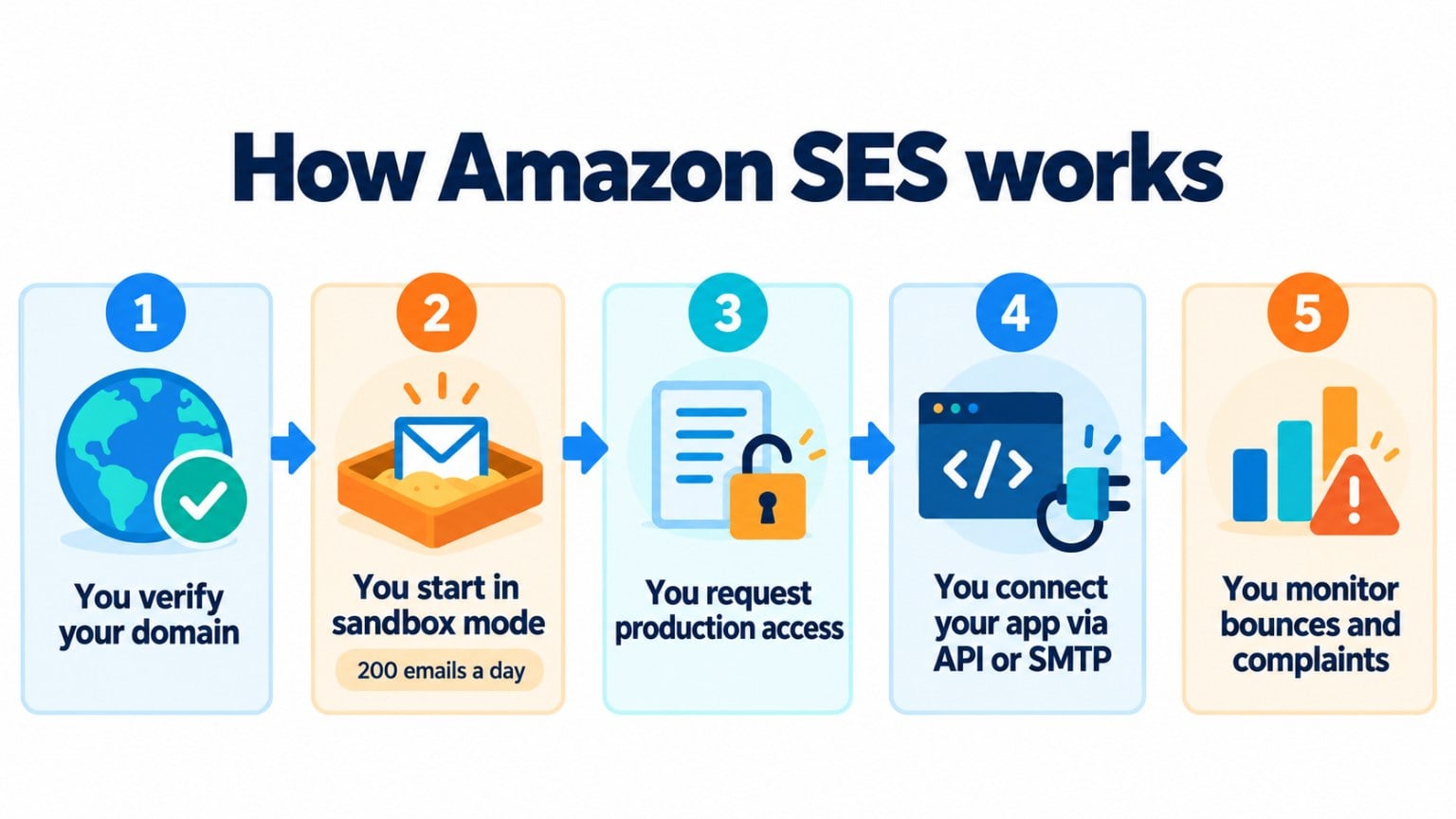
1. You verify your domain or your address. Amazon checks that you own it and gives you the DKIM records to add to your DNS.
2. You start in test mode (sandbox). New accounts can only send to verified addresses, with a maximum of 200 emails a day and 1 per second.
3. You request production access. You explain to AWS what kind of emails you’ll send and how you handle unsubscribes and complaints. If they approve it, your limits are raised.
4. You connect your application. Via API, via SMTP or from other AWS services.
5. You monitor bounces and complaints. AWS suspends accounts with high bounce or complaint rates, so you need to process them and clean your lists.
How much does Amazon SES cost?
The base price is $0.10 per 1,000 emails, plus data transfer for attachments. Since July 2026 there are also plans with included features: Essentials, Pro and Enterprise.
It no longer has its own free tier. New AWS accounts receive up to $200 in credits that they can use on this service.
Also, the price per email isn’t everything. You have to add the technical time to set it up, email design, and managing lists, unsubscribes and statistics.
Advantages and limitations
| Pros | Limitations | |
|---|---|---|
| Price | Very low per email at high volume | Technical setup and maintenance costs |
| Scale | From a few emails to millions a day | Starts with low limits (sandbox) |
| Integration | API, SMTP and other AWS services | Requires programming knowledge |
| Features | Sending, authentication and basic metrics | No editor, lists or marketing automations |
| Support | Very comprehensive documentation | Advanced technical support is paid |
Amazon SES vs. other options
Amazon SES vs. Mailchimp Transactional. Mailchimp Transactional, formerly Mandrill, is a paid Mailchimp add-on for automated emails. It’s easier to use, but more expensive per email. Amazon’s service is cheaper and more flexible, but more technical.
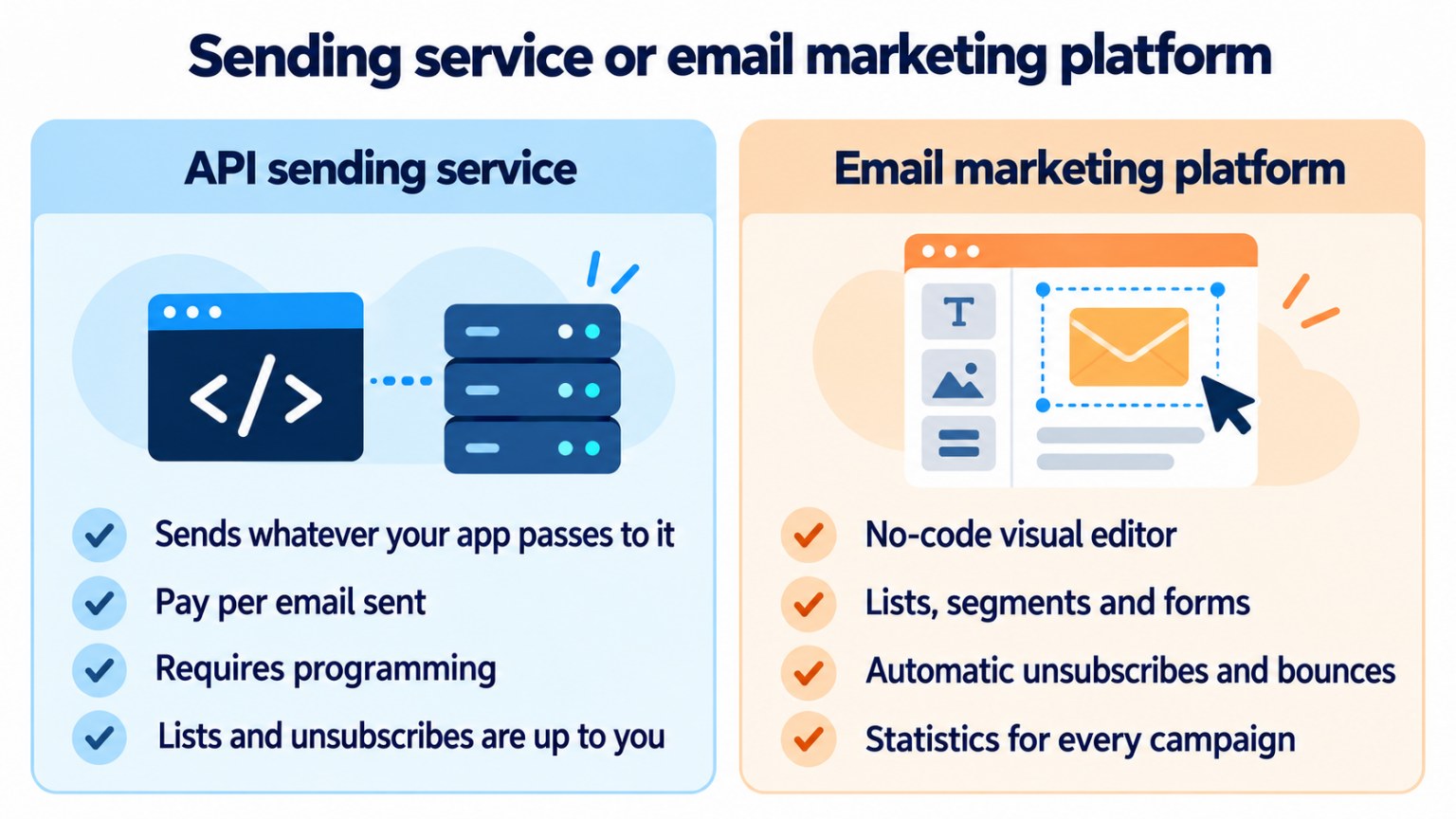
Amazon SES vs. an email marketing platform. Amazon’s service sends whatever your application passes to it.
A platform like Mailrelay adds everything you need for campaigns: editor, lists, segmentation, forms, automatic unsubscribes and statistics.
| Amazon SES | Mailrelay | |
|---|---|---|
| What it’s for | Sending infrastructure for applications | Email marketing and transactional sending |
| How it’s used | Technical, via API or SMTP | Visual editor, no coding |
| Lists and unsubscribes | Managed by your application | Included |
| Starting price | Pay as you go from $0.10 / 1,000 emails | Free account with up to 80,000 emails a month |
| Support | Documentation; paid advanced support | Human support on every plan: tickets, plus chat from Standard and phone on Enterprise |
If what you need is to send transactional emails from your website, Mailrelay also offers an SMTP service and API, included in the paid plans, which you can try for 30 days with the free account.
Prefer to send without coding?
With Mailrelay you create and send your campaigns from a visual editor, with lists, unsubscribes and statistics included. Start for free.
When Amazon SES is right for you
It’s right for you if you have a technical team, send large volumes from your own application and already work with AWS.
It’s not right for you if you want to send newsletters and campaigns without coding, need an editor and list management, or prefer close, personal support.
In the second case, an email marketing platform saves you time and mistakes, and lets you focus on content and results.
Send your newsletters with Mailrelay
Up to 80,000 emails a month and 20,000 contacts for free, with human support on every plan.
Frequently asked questions
These are the most common questions about this service.
What is Amazon SES?
Amazon Web Services’ email sending service. It lets you send emails from applications and websites via API or SMTP.
What is amazonses.com?
The domain of Amazon SES’s servers. It appears in emails from companies that use this service to send their emails.
Is Amazon SES free?
No. It costs $0.10 per 1,000 emails. New AWS accounts receive credits that can be used on it.
What is the Amazon SES sandbox?
The test mode new accounts start in: you can only send to verified addresses, with low limits, until AWS approves production access.
Can Amazon SES be used for email marketing?
It can send, but it doesn’t include an editor, list management or marketing automations. For campaigns, the usual choice is an email marketing platform.