Email footer: what it is and what your emails' footer should include
The part of the email almost nobody reads, yet the one that weighs most on trust, unsubscribes and the deliverability of your campaigns
The email footer is the final part of a marketing email. It holds the sender’s details, the unsubscribe link and the information readers need to trust the message.
Almost nobody reads it in full. But anyone looking for a way to unsubscribe or to contact you goes straight to it, and spam filters check it too.
Short answer: it is the block that closes a marketing email. It identifies the company, lets people unsubscribe and gathers useful links, such as your website, social media or preference center.
You may also see it called the email’s footer, the newsletter footer or the mailing footer. In a campaign it is usually set apart from the content by a line or a change of color, in a smaller font.
It is not the same as the email signature. The signature is the writer’s personal sign-off. The email footer is the fixed part of the campaign and is repeated in every send.
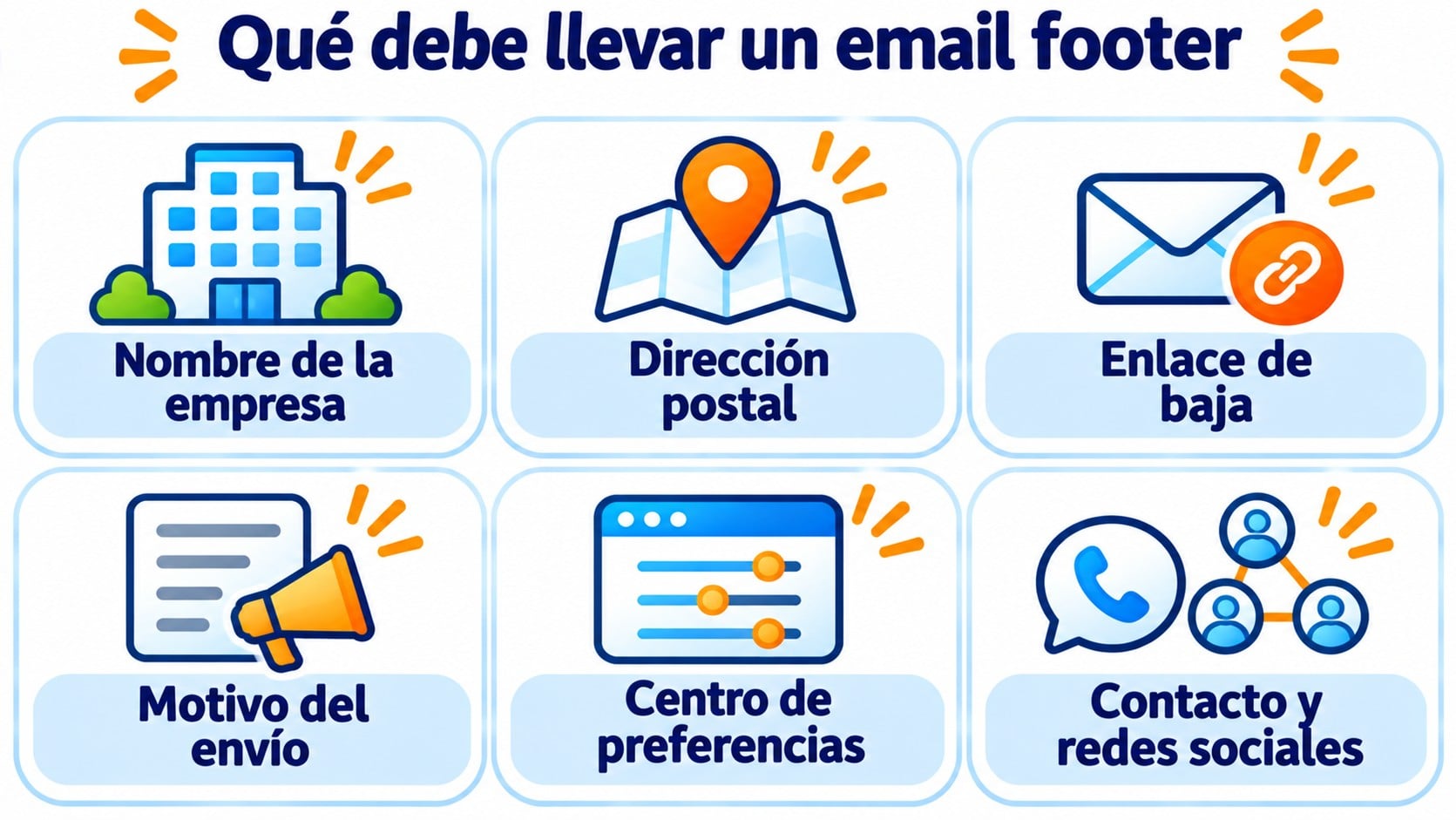
Some elements are required by law or by mailbox providers. Others are recommended because they build trust:
| Element | Required? | What it’s for |
|---|---|---|
| Company name | Yes | Let the reader know who is writing to them |
| Postal address | Yes in the US, recommended in Spain | Show that you are a real company |
| Unsubscribe link | Yes | Stop receiving emails in one click |
| Reason for the email | Recommended | Remind readers why they are getting that email |
| Preference center | Recommended | Choose topics or frequency before leaving |
| Contact details and social media | Optional | Open other channels of conversation |
| Link to the privacy policy | Recommended | Explain how you handle their data |
The reason for the email can be a short sentence: “You are receiving this email because you subscribed to our newsletter on our website.” It reduces complaints from people who don’t remember signing up.
Your email footer, ready in every campaign
Mailrelay templates already include the unsubscribe link, and the platform handles every unsubscribe for you. 80,000 free emails a month.
What the law and mailbox providers say
In Spain, the LSSI requires the company sending a commercial communication to be clearly identified. It also requires every send to offer a simple, free way to unsubscribe. The email footer is the usual place to meet both requirements.
In the United States, the CAN-SPAM Act also requires a valid postal address for the sender. If you have subscribers there, include it.
Mailbox providers ask for the same thing in a different way. Gmail’s guidelines for bulk senders require a visible unsubscribe link in the body of the message and one-click unsubscribe. Yahoo asks for the same. Without it, your emails are more likely to end up in spam.
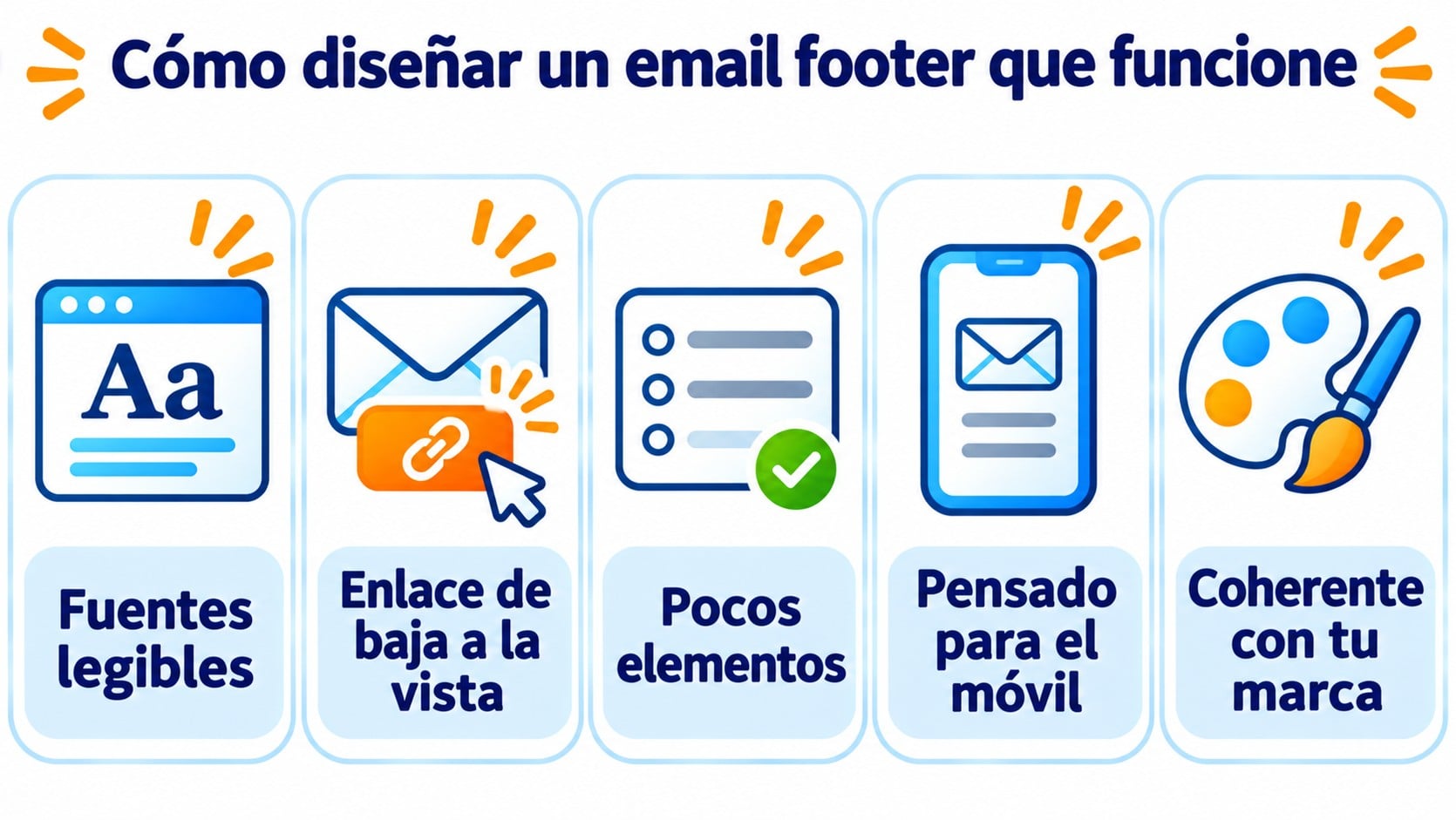
An email footer doesn’t need to be pretty, but it does need to be readable. These guidelines work for almost any campaign:
- Readable fonts. Use the same font as the rest of the email, at least 12-14 pixels, with good contrast. Light gray on white is hard to read on a phone.
- Unsubscribe link in plain sight. Word it clearly, such as “Unsubscribe me”, and never hide it by matching the background color.
- Few elements. Company details, unsubscribe, preferences and two or three social networks are enough. If you add ten links, nobody finds the one they are looking for.
- Designed for mobile. Leave space between links so they can be tapped with a finger, as in any responsive email.
- Consistent with your brand. The same colors and tone as the rest of the email.
Also watch the size of the message. Gmail clips emails larger than 102 KB and hides the end, footer included. We explain it in Gmail clipping.
Here is a simple footer you can adapt to your business:
Example Store Inc. · 10 Main Street · New York, NY 10001
You are receiving this email because you subscribed to our newsletter at examplestore.com.
[Update my preferences] · [Unsubscribe] · [Privacy policy]
Instagram · LinkedIn
Four lines that say who you are, why you are writing and how to stop receiving your emails. You don’t need anything else.
- Hiding the unsubscribe link. If it is hard for readers to leave, they will mark your email as spam. That complaint hurts your sender reputation far more than an unsubscribe.
- Asking for a password to unsubscribe. Unsubscribing must work without logging in or filling in long forms.
- Making the footer an image only. If images don’t load, the details and the unsubscribe link disappear.
- Outdated details. An old address or a phone number that no longer exists undermines trust.
- Forgetting it in automations. The welcome email and every email in a sequence need the footer too.
How Mailrelay helps you
With Mailrelay you don’t have to worry about setting up unsubscribes. Templates already come with an email footer that includes the unsubscribe link, and the platform records every unsubscribe and stops sending to that person, on the free account too.
In the visual editor you change the footer details and save it as a Universal element to reuse it in all your campaigns and automations. On the free account, the footer also includes the Mailrelay logo (you can remove it with a paid add-on, as you can see on the pricing page).
The free account lets you send 80,000 emails a month to 20,000 contacts, with human support on every plan.
Create your footer once and use it every time
Save it as a block in the visual editor and send with double opt-in, automatic unsubscribes and human support on every plan.
Frequently asked questions
The footer is the bottom part of a page or document. In an email, it is the closing block, with the company details and the unsubscribe link.
In the United States, yes, under the CAN-SPAM Act. In Spain, the LSSI requires the company to be identified, and the address is the clearest way to do that.
Yes, although a simpler one. An invoice or an order confirmation must identify the company, but it doesn’t need an unsubscribe link if it contains no advertising.
The email footer is the least eye-catching part of an email and one of the most important. With the company name, a clear unsubscribe link and the reason for the email, you comply with the law, meet Gmail and Yahoo’s requirements, and give readers one more reason to trust you.