Sender Score: what it is and how to improve your IP reputation
The 0–100 score that sums up how mailbox providers see the IP you send from, and what to do to raise it
Sender Score is a 0–100 rating that sums up the reputation of the IP address you send your emails from. The higher it is, the more mailbox providers trust you and the easier it is for your campaigns to reach the inbox.
Here’s what it measures, how it’s calculated, how to check it and what to do if your score is low.
What is Sender Score?
Sender Score is a sending reputation index created by Return Path and now run by Validity, the company that acquired Return Path in 2019. It scores each IP address from 0 to 100 based on how its sends have performed over the last 30 days.
It’s one of the best-known benchmarks of sender reputation, but not the only one. Gmail, Outlook and Yahoo don’t publish how they score each sender, and they use their own systems. Sender Score works as an external thermometer, not as the score that decides your deliverability.
How is it calculated?
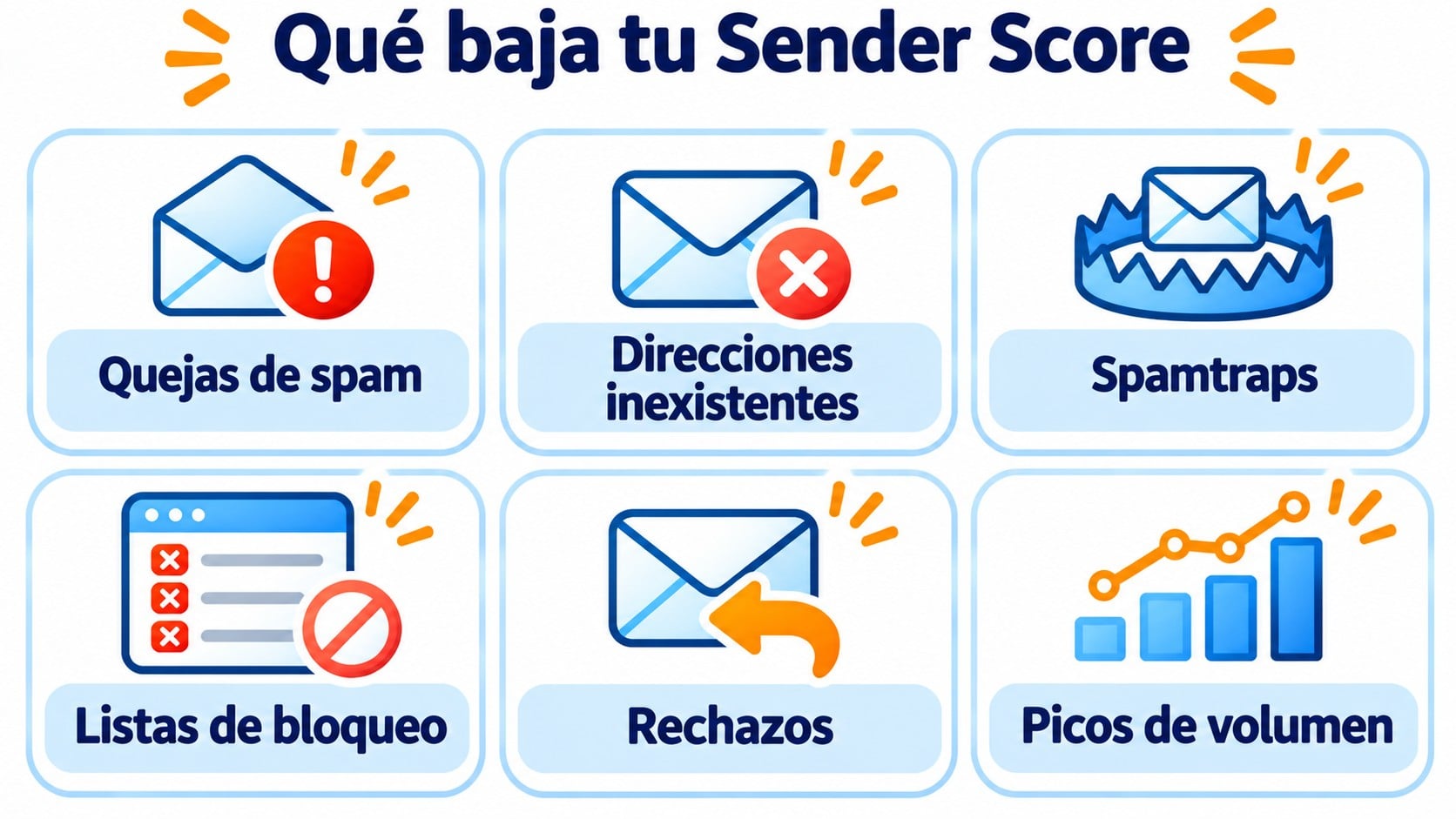
Validity collects data from mailbox providers and filtering networks that take part in its program. With that data, it calculates a 30-day rolling average for each IP. These are the factors that carry the most weight:
| Factor | What lowers your score |
|---|---|
| Complaints | Recipients who mark your emails as spam (complaint). |
| Non-existent addresses | Sends to mailboxes that don’t exist, which cause hard bounces. |
| Spamtraps | Emails that reach trap addresses set up to catch spam. |
| Blocklists | Your IP appearing on a DNSBL or blacklist. |
| Rejections | Messages that receiving servers reject. |
| Volume | Sudden sending spikes from an IP with no history. |
Authentication with SPF, DKIM and DMARC doesn’t add points on its own, but without it providers reject or distrust more messages, and that ends up lowering your score.
Send from well-maintained IPs from day one
You don’t have to manage the reputation of the sending IPs yourself. Double opt-in, bounces removed automatically and 80,000 emails a month for free.
What your score means
Validity doesn’t publish an official, fixed scale, but these are the ranges commonly used to interpret it:
| Sender Score | Rating | What usually happens |
|---|---|---|
| 80 to 100 | Good reputation | Most of your emails reach the inbox. |
| 70 to 79 | Room for improvement | Some providers filter or delay part of your sends. |
| Below 70 | Poor reputation | More emails in spam, more rejections and a risk of landing on blocklists. |
If your IP has no score, that’s not a bad sign. It usually means it sends a low volume and there isn’t enough data to calculate one.
How to check your Sender Score
Go to senderscore.org, create a free account and enter the IP or domain. The tool shows the score of each associated IP and how it has changed recently.
To find out which IP you use, open the headers of an email you’ve sent and look for the “Received” line from the first server. If you send with an email marketing platform, the IP will be the platform’s, not your office’s.
Sender Score measures IPs, not domains or companies. That’s why how you send matters:
- With a shared IP, the score reflects the behavior of every sender using it. A good platform monitors those IPs so that no one ruins them.
- With a dedicated IP, the score depends on you alone. It makes sense when you send high, steady volumes, and it needs a gradual warm-up.
How to improve your Sender Score
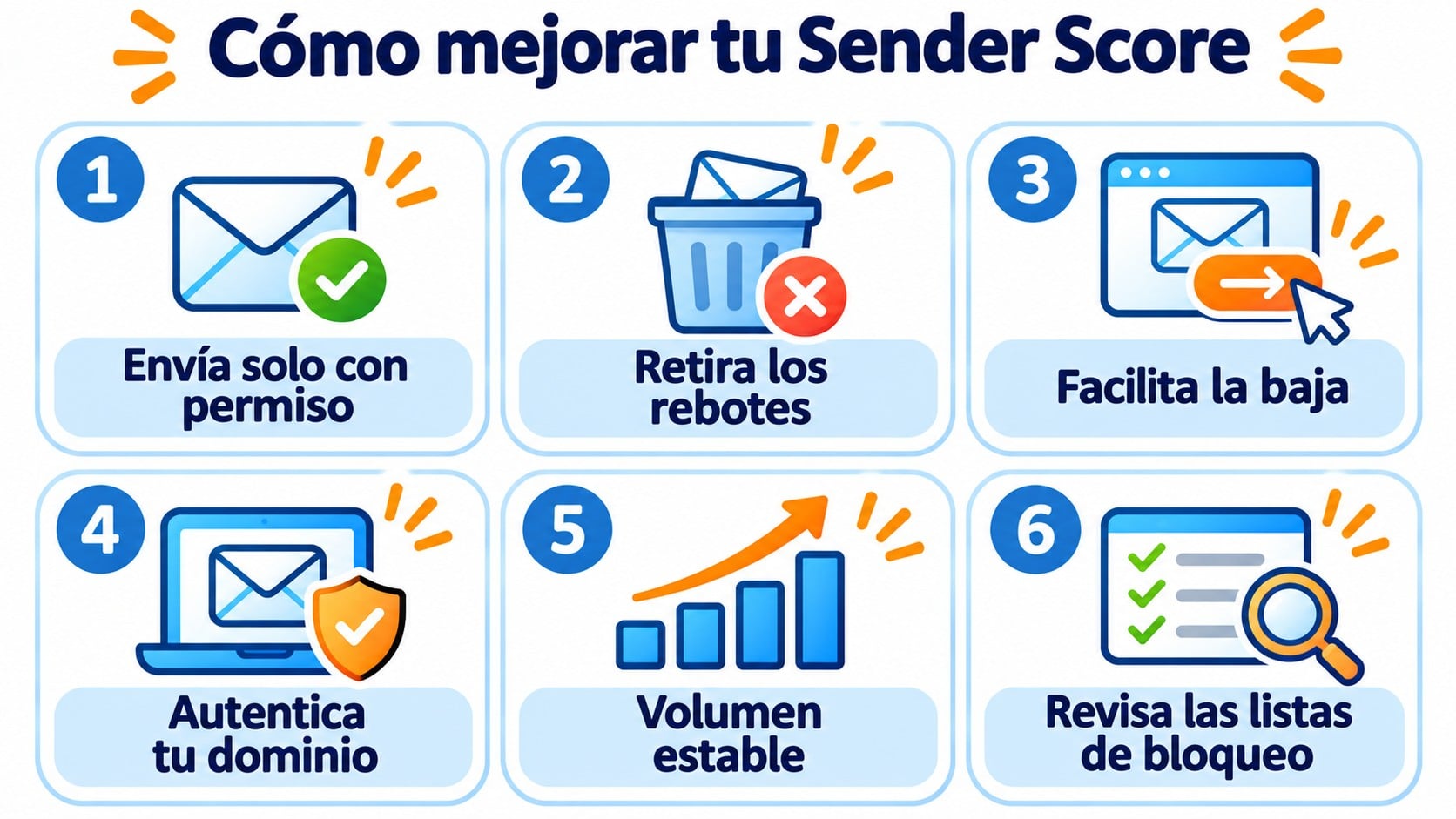
- Only send to people who have subscribed. No purchased databases or contacts without permission.
- Remove bounces and inactive addresses. A clean list prevents hard bounces and spamtraps.
- Make unsubscribing easy. If unsubscribing is hard, people click “Report spam”.
- Authenticate your domain with SPF, DKIM and DMARC.
- Keep a steady volume. Avoid going from sending a little to sending thousands all at once.
- Check blocklists and act as soon as you appear on one.
The improvement isn’t immediate. Since the score is a 30-day average, it takes a few weeks to reflect the changes.
How Mailrelay helps you
With Mailrelay, you don’t have to manage the reputation of the sending IPs yourself. Sign-ups always use double opt-in, so only people who have confirmed their address make it onto your list. Hard bounces are flagged as bounced and stop receiving sends.
You can set up SPF and DKIM for your domain and, if your volume justifies it, work with a dedicated IP. You also get human support on every plan, including the free account with 80,000 emails a month to 20,000 contacts.
A good reputation starts with a good list
Create your free account, set up SPF and DKIM and send to 20,000 contacts who have confirmed their sign-up.
Frequently asked questions
What is a good Sender Score?
Above 80 is considered a good reputation. Between 70 and 79 there’s room for improvement, and below 70 you’re likely to have deliverability problems.
Is Sender Score the same as domain reputation?
No. Sender Score rates IP addresses. Domain reputation is measured on the domain you send from, and Gmail gives it more and more weight.
Why doesn’t my IP have a Sender Score?
Because it sends a low volume or only started sending recently. Without enough data, Validity doesn’t calculate the score.
Key takeaways about Sender Score
It’s a 0–100 score that sums up an IP’s reputation over the last 30 days. It doesn’t decide on its own whether you reach the inbox, but it’s a good reflection of how providers see you. You improve it with permission-based lists, removing bounces, authentication and a steady volume.