You open a call for applications, publish the rules and send an email. The first applications come in quickly. Then things slow down. And the day before the deadline, you get hundreds of messages from people who “didn’t know about the deadline”.
Sound familiar?
This happens at exam-prep academies, universities, public bodies, associations running awards and conferences looking for speakers. And it almost always has the same cause: there’s no email schedule for the call for applications planned from day one. In this guide, we explain how to build it phase by phase and how many reminders to send. You’ll also see who to exclude from each send and how to automate the process with an email marketing tool without spending hours in the dashboard.
Quick answer: a good email schedule for a call for applications includes a heads-up before registration opens, an opening email, one or two value-packed reminders during the registration period, a final-stretch sequence (7 days, 48 hours and last day) and post-deadline emails. Every send should exclude anyone who has already applied.
Plan your call for applications with Mailrelay
Schedule the heads-up, the opening email and every reminder with a date and time, and measure how many applications each send generates. Your free account includes 80,000 emails a month and 20,000 contacts.
Start for freeWhat is an email schedule for a call for applications?
An email schedule is the plan, with dates and times, of every email you’ll send around a call for applications. It includes what is sent, to which segment, with what goal and what condition removes someone from the sequence.
It looks like a regular email marketing calendar, but there’s a fundamental difference. In a sales campaign, you decide when the offer ends and can extend it if you want. In a call for applications, the deadline is usually set by the official rules, a public notice or a committee, and it doesn’t move. That rigidity changes everything. The schedule is built backwards from the deadline, and every planning mistake has real consequences for whoever misses out.
What’s more, the audience of a call for applications is very diverse. People who have been waiting for the date for months sit alongside others who didn’t even know it existed. So your schedule has to work for both groups at once.
Before you start: the information you need
We recommend not writing a single email until the dates and recipient groups are clear. A simple spreadsheet is enough for this stage. This is the minimum information you need:
- Exact opening and closing dates and times, including the time zone if your call is international.
- Intermediate milestones: publication of provisional lists, correction periods, fee payments, information sessions or webinars.
- Audiences: past applicants, leads who requested information, current students or members, cold audiences and partners who help spread the word.
- Data you already have about each contact: interests, region, specialty or language, which you’ll use later to segment.
- Complementary channels: SMS, social media or your website, so you don’t repeat the same message everywhere at once.
- Who is responsible for each send and who approves the copy, especially in public bodies with approval processes.
With this in front of you, you can map out the phases. Do you work at an academy or training center? Many of the ideas in this guide fit into your annual email marketing strategy.
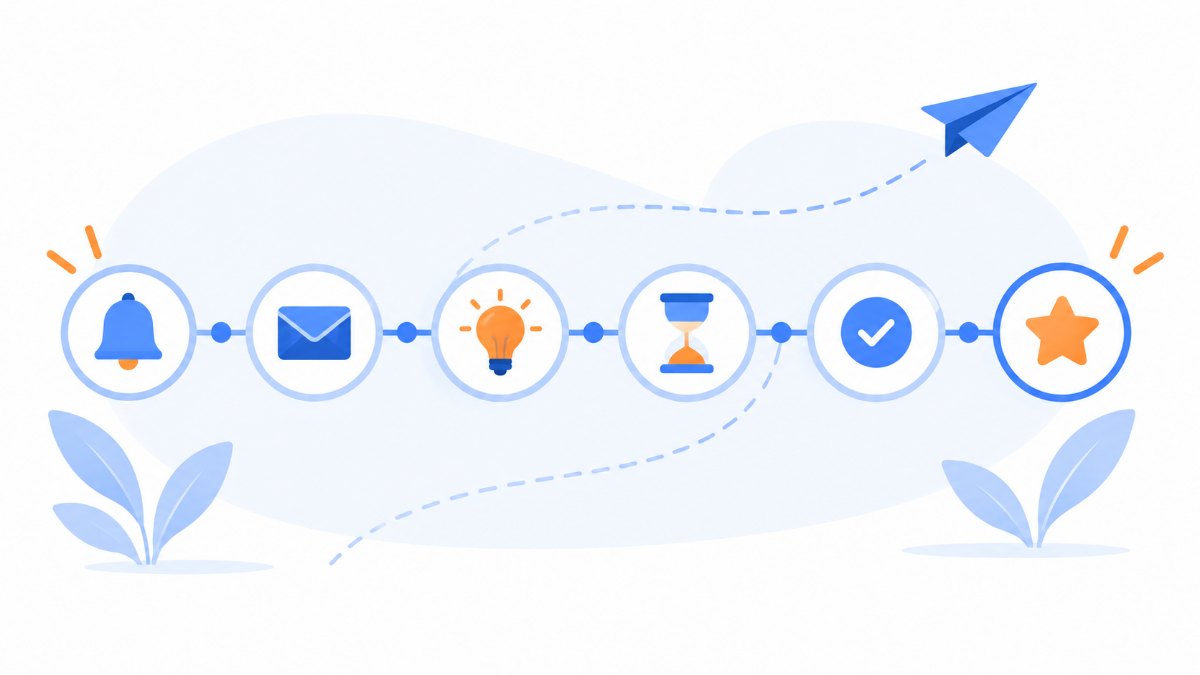
The six phases of an email schedule for a call for applications
The structure we propose works for 15-day calls as well as three-month ones. Only the spacing between sends changes. Let’s go phase by phase.
Phase 1: the heads-up or “save the date”
The heads-up is sent one to four weeks before registration opens. Its goal is for your contacts to mark the date in their calendar and, if needed, start preparing their documents.
It’s a short email. It says what the call is for, when registration opens and what to have ready. If there are requirements that take time (a certificate, a certified degree, a letter of recommendation), this is the moment to mention them. In fact, a good heads-up greatly reduces last-minute issues.
If your list includes contacts who haven’t received an email from you since the last call, the heads-up also helps you “warm up” the list and check bounces before the important send.
Phase 2: registration opens
The opening email is the most-read one in the whole sequence. It should go out on the same day and, if possible, at the same time the form opens. Nothing is more frustrating than clicking “Apply now” and finding the link closed.
Clarity comes first here. Put the deadline in the subject line or the first line, a single call-to-action button and a summary of the requirements. Leave the full rules behind a link. Many organizers paste the entire official text into the email, and the result is an unreadable block on mobile.
Phase 3: value-packed reminders
Between the opening and the final stretch, many organizations go quiet. That’s a mistake. This period is ideal for answering questions and overcoming objections.
Instead of repeating “remember, registration is still open”, send useful content. It could be a guide to filling in the application, last year’s most frequent questions, a video with testimonials from past participants or an invitation to an information session. One or two sends are usually enough for a one-month call. That way you keep interest alive without sounding pushy.
Phase 4: the final stretch
This phase is where most applications come in. In many calls, a large share of applications arrives in the last few days, so it deserves careful planning.
The classic sequence has three sends: seven days before the deadline, 48 hours before and on the morning of the last day. The tone becomes more urgent, but always with specific information. “48 hours left” works better than “Last chance!”, because readers know exactly how much time they have.
Real urgency is what persuades, so don’t invent deadlines. If registration closes at 2:00 p.m., say so. If it closes at 11:59 p.m. in a specific time zone, say that too.
Phase 5: the application confirmation
The confirmation is a transactional email: it’s triggered when someone completes the form. Even though it’s sent automatically, it’s part of the schedule for two reasons. First, it must arrive within seconds to avoid duplicate applications. Second, it’s the signal you’ll use to remove that person from all pending reminders.
It should also include a summary of what they submitted, the next steps and the dates that affect them from now on. If you’re worried these messages might end up in spam, check our guide to improving the deliverability of confirmation emails.
Phase 6: after the deadline
The schedule doesn’t end when the form closes. There are still provisional lists, correction periods, results, exam or event dates and, finally, the thank-you email.
And there’s a group almost nobody works on: people who opened the emails but didn’t apply. A short message after the deadline (“Missed it? We’ll let you know about the next call”) turns those contacts into the audience for your next heads-up.
Practical example: schedule for a 30-day call for applications
To show it with dates, here’s a sample schedule for a call with a 30-day registration period. Adjust the spacing if your period is shorter or longer.
| Timing | Segment | Goal | |
|---|---|---|---|
| Day -14 | Heads-up | Entire interested list | Mark the date and prepare documents |
| Day 0 | Registration opens | Entire interested list | First applications |
| Day 0 (automatic) | Confirmation | Each new applicant | Confirm and share next steps |
| Day 8 | Guide to filling in the application | Non-applicants | Answer questions |
| Day 15 | Testimonials or information session | Non-applicants who opened an email | Overcome objections |
| Day 23 | 7 days left | Non-applicants | Activate latecomers |
| Day 28 | 48 hours left | Non-applicants | Specific urgency |
| Day 30, 9:00 a.m. | Last day | Non-applicants | Close |
| Day 32 | Next steps | Applicants | Share lists and dates |
| Day 35 | Next call | Interested non-applicants | Keep the contact |
As you can see, only three sends go to the whole list. The rest target smaller and smaller segments. That’s the key to sending eight or nine emails without burning out your list.
Exclude applicants automatically
With Mailrelay’s custom fields and segments, each reminder only reaches people who haven’t applied yet. No manual lists and no duplicate sends.
Try Mailrelay for free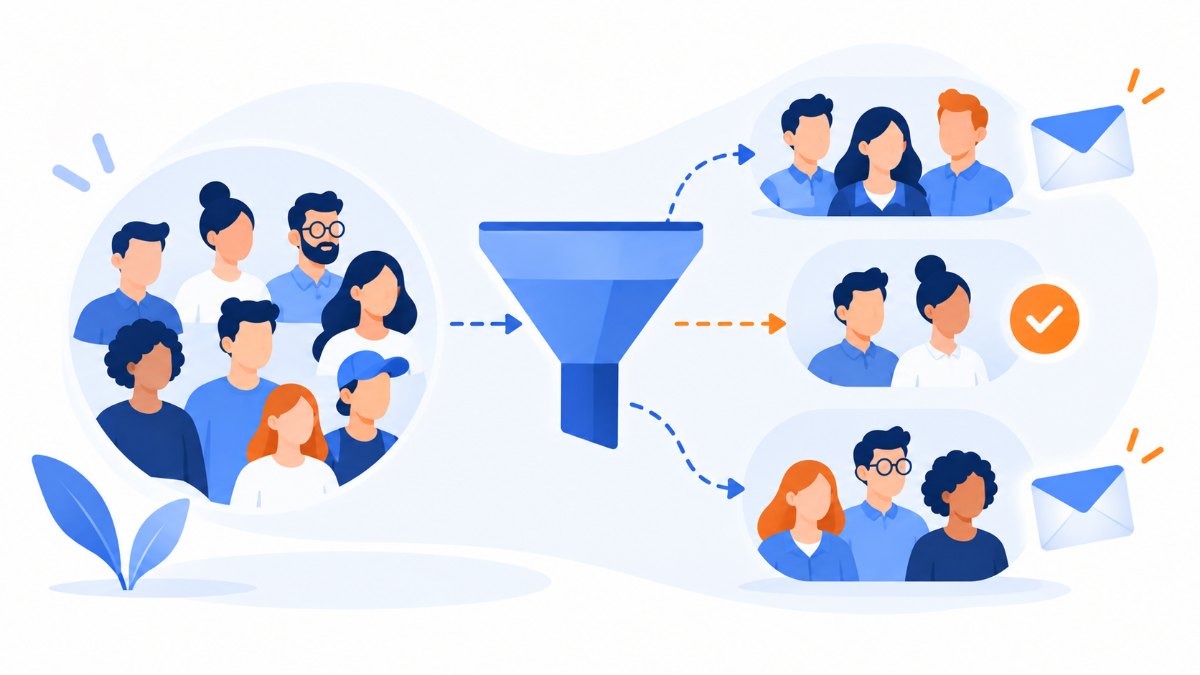
Segmentation: the step that prevents half the complaints
The most annoying email in any call for applications is the reminder received by someone who has already applied. It creates distrust (“didn’t they get my application?”), calls to the admissions office and unsubscribes.
Fortunately, the fix is simple. Every application should update a contact field (for example, “applied_2026 = yes”) and every reminder should exclude contacts with that value. You can connect your form to your sending tool via the API or a plugin. If you use an external management platform, importing the list of applicants every day also works.
From there, segmentation lets you fine-tune much more. For example, a past student doesn’t need the same explanation as someone applying for the first time. A contact in another time zone needs the deadline in their local time. And someone who started the application but didn’t finish it deserves a specific reminder with a direct link to their draft.
In Mailrelay, you can create custom fields and segments with several combined conditions. That way, you set up the applicant exclusion once and it works for every send in the call.
How many reminders are too many?
There’s no universal number, but there is a useful rule: frequency depends on the segment, not on the call. Don’t send any reminders to people who have already applied. On the other hand, someone who has opened several emails but hasn’t completed the application should receive the full sequence. And for people who haven’t opened anything in months, the opening email and the last reminder may be enough.
Also, keep an eye on two metrics after each send. The first is the unsubscribe rate: if it spikes on a particular send, that message wasn’t needed or reached the wrong segment. The second is spam complaints, which damage your sender reputation much more than an unsubscribe.
It’s also best not to send two emails to the same contact on the same day, except for the transactional confirmation. If a reminder and a newsletter coincide, postpone the newsletter.
How to automate the schedule with Mailrelay
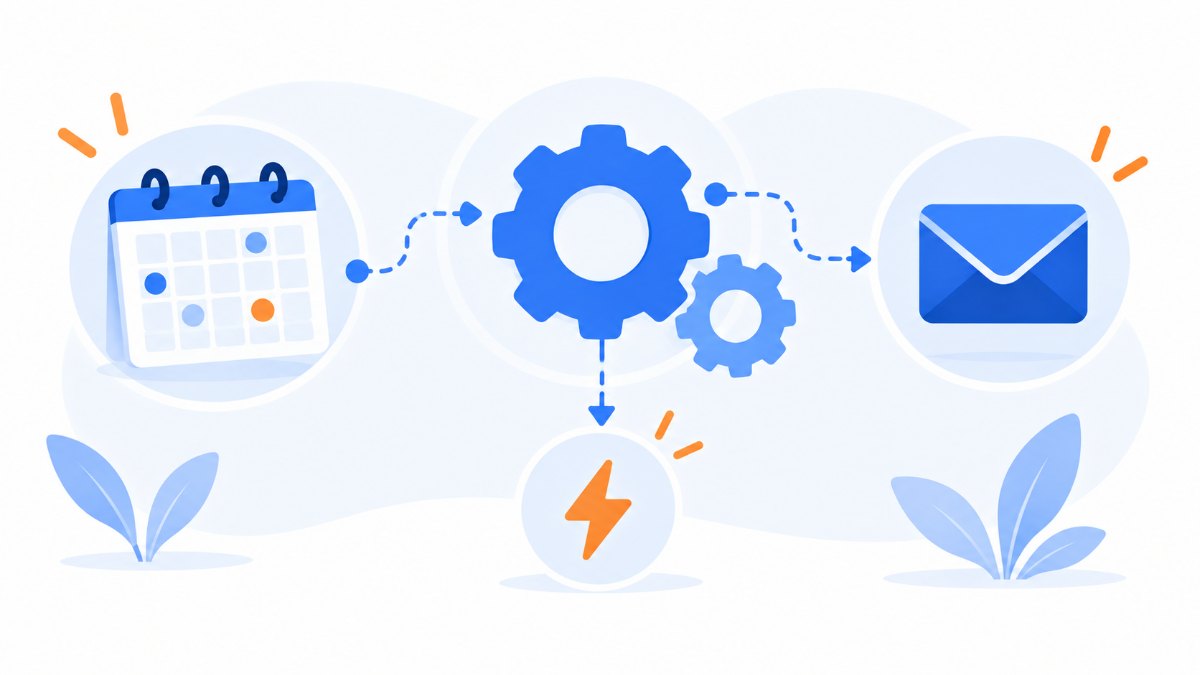
Scheduling ten sends by hand works the first time. By the third call of the year, it doesn’t. That’s why we recommend building the schedule once and reusing it.
Start by creating a template for each phase with the variable elements marked (dates, call name, link). Then schedule each campaign with its send date and time and its exclusion segment. For sends that depend on what each person does (the confirmation, the incomplete-application reminder or the welcome email for people who signed up for alerts), use automations and autoresponders.
At Mailrelay, we offer all this on the free account too, with up to 80,000 emails a month and 20,000 contacts. You get A/B tests to compare subject lines and real-time reports with click maps. And our editor with AI-assisted writing helps you prepare variations of each reminder. Is your application form on WordPress or on your own platform? Connect it with our plugin or the REST API so every application updates the contact instantly.
Stuck setting up the applicant exclusion or send times? Our support team can help by phone, chat or ticket, in several languages and whatever plan you’re on.
Deliverability: watch out for sending spikes
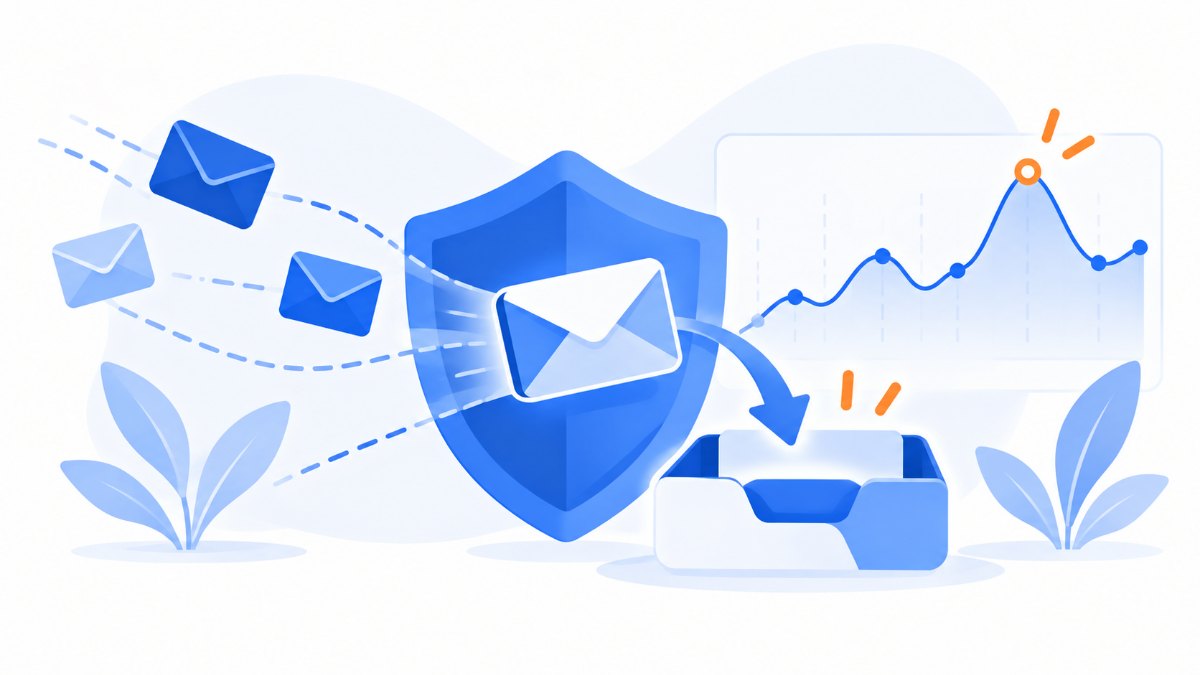
A call for applications usually concentrates a lot of volume in a few days. Imagine a list of tens of thousands of contacts you normally email rarely. Going from zero to a mass send on opening day can cause delays or filtering at Gmail and Outlook.
The heads-up helps here too: it spreads out the first surge of volume and lets you clean bounces before the send that really matters. Maintain good list hygiene and remove addresses that hard bounce. Also check that your domain has SPF, DKIM and DMARC set up correctly.
If you manage large lists and every send is critical, take a look at our guide on deliverability in critical campaigns with lists of more than 50,000 contacts.

Subject lines and messages for each phase
The email subject line decides whether your reminder gets opened or lost. For calls for applications, subject lines with the date or the time remaining work best, because readers can tell at a glance whether it affects them. Here are some ideas to adapt:
- Heads-up: “Applications for the 2026 scholarships open on February 3: here’s what you need”
- Opening: “Applications are now open: deadline March 3”
- Value reminder: “How to fill in the application in 10 minutes (without mistakes)”
- Seven days: “7 days left to apply for [call name]”
- 48 hours: “Applications close on Thursday at 2:00 p.m.”
- Last day: “Applications close today”
- After the deadline: “Missed it? We’ll let you know about the next one”
Test at least two variants on the opening send with an A/B test. What you learn will help you with the rest of the sequence and with future calls.
In the body of the message, repeat the deadline near the button. Many people skim the email and only stop at the call to action.

Which metrics to review to improve your next call for applications
The metric that matters most is the application rate: how many people in the segment completed the application after each send. The open rate and clicks help you understand why, but they aren’t the goal.
We recommend noting, at the end of each call, how many applications came in during each stage of the schedule. Over time, after two or three editions, you’ll see clear patterns. Maybe the seven-day reminder barely moves the needle and the 48-hour one does all the work. Or maybe the information session converts better than any other email. That data is worth more than any general rule, including the one in this article.
Also look at how much time passes between the send and the application. If most people apply within two hours of the email, the send time matters a lot. In that case, test different time slots.
Common mistakes when planning a call for applications by email
The first is not excluding applicants, which we’ve already covered. The second is changing the deadline without updating scheduled sends. This happens a lot when the deadline is extended at the last minute. If you extend it, review all pending campaigns before doing anything else.
Another common mistake is sending the last-day reminder in the afternoon. If the deadline is at noon, that email arrives too late. And if it’s at midnight, it arrives when fewer people check their email. Early morning is almost always the better option.
Finally, many organizations forget mobile. In calls with a young audience, an SMS on the last day complements email very well, as long as you have consent to use it.

Frequently asked questions about email schedules for calls for applications
These are the questions we hear most often from teams that manage calls for applications by email.
How many emails should I send for a call for applications?
For a one-month registration period, six to nine sends in total is a reasonable number. That includes the heads-up, the opening email, reminders, the final stretch and post-deadline emails. But not every contact should receive all of them. What matters is that each send excludes people who have already applied.
How long before registration opens should I send the heads-up?
One to four weeks before. If the call requires documents that take time to obtain, give more notice. If it’s simple, one week is enough.
What time should I send the last-day reminder?
In the morning, at least four or five hours before the deadline. That gives people time to gather whatever they’re missing and complete the application.
What should I do if the deadline is extended?
Send a short email announcing the new date only to non-applicants and reschedule the final-stretch reminders. That way, no message goes out with the old date.
Can I use Mailrelay’s free account for a call for applications?
Yes. The free account includes up to 80,000 emails a month and 20,000 contacts, with automations, segmentation and A/B tests. For many academies, associations and small organizations, it’s enough to manage complete calls for applications.
Your next call for applications, without last-minute surprises
Planning the email schedule for a call for applications takes an afternoon. Improvising it costs much more: lost applications, complaints, unsubscribes and an overwhelmed admissions team in the last week.
Start with the dates, define the segments, prepare the templates for each phase and schedule everything you can. Then measure what worked and reuse the schedule for the next edition.
If you want to set it up today, create your free Mailrelay account and prepare your first call for applications with automations, segmentation and expert support from day one.
Your next call for applications, ready in an afternoon
Create your templates, segment non-applicants and schedule every reminder from a single tool. Free for up to 80,000 emails a month.
Create your free account