Errata notice: what it is and how to write one in an email, with examples
The email that fixes a mistake without making it worse, with templates to copy
An errata notice is a note that corrects one or more errors in a text that has already been published or sent, such as a book, an official document or an email.
It is used to acknowledge the mistake, give the correct information and stop anyone from acting on the wrong information.
What does errata notice mean?
The Spanish term, fe de erratas, combines fe, in the sense of testimony or statement, and erratas, which are the errors in a printed or written text.
The Dictionary of the Spanish Language defines it as the list of errata in a book, with the correction of each one. It is added at the beginning or end of the work.
Today it is used for any correction published after the original. In Spanish it is written fe de erratas, with erratas in the plural, even if there is only one error. “Fe de errata” is a very common incorrect form.
What is an errata notice in an email?
In an email, the errata notice is a second message that corrects a mistake in the first one. It is also called a correction email.
It is sent to the same people who received the original email and usually has “Errata” or “Correction” in the subject line.
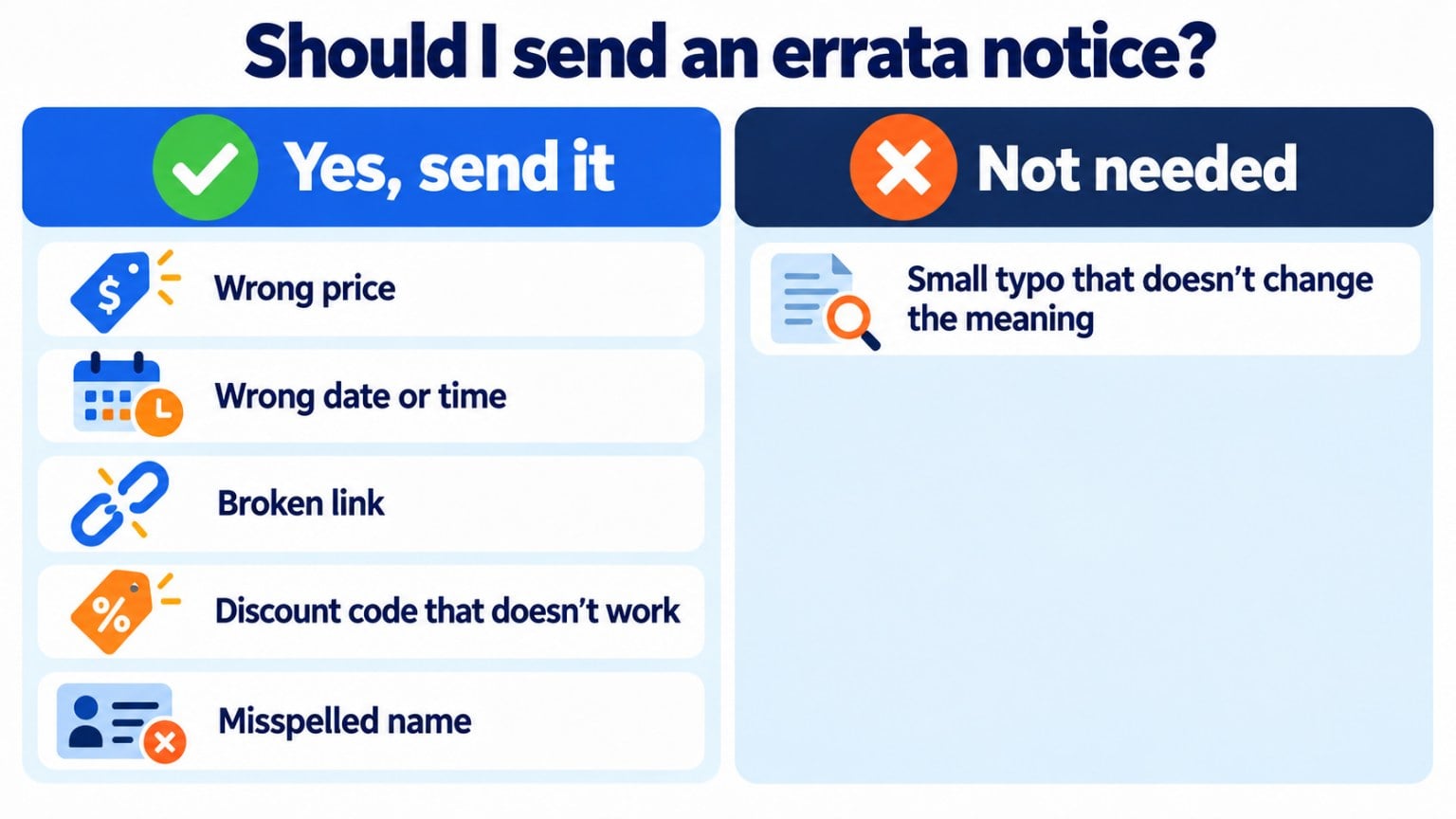
These are the cases where it is worth sending one:
| Error | Do you send an errata notice? |
|---|---|
| A wrong price, date or time | Yes, always |
| A broken link or one that leads to another page | Yes, if the link is the key part of the email |
| A discount code that doesn’t work | Yes, and as soon as possible |
| A misspelled name or wrong personal details | Yes, with a brief apology |
| A small typo that doesn’t change the meaning | No. You would only draw attention to it |
How to write an errata notice step by step
A good errata notice is short and to the point. Follow these steps:
- Write a clear subject line. For example: “Correction: the webinar is on October 15”.
- Say what the mistake was. One sentence is enough. Quote the wrong information so it can be found right away.
- Give the correct information, clearly visible, in bold or on its own line.
- Apologize in one line, without being dramatic.
- Repeat the action you were expecting, such as the registration link or the working code.
- Send it quickly and to the same people who received the original.
An official document or a book follows the same logic: you state the page or section, quote what it says and write what it should say.
Has this happened to you with a newsletter?
Prepare the correction with the Mailrelay editor and send it only to the people who received the original campaign.
Errata notice examples to copy
Adapt these templates to your case. Change the details and keep the structure: mistake, correct information and apology.
Example 1: wrong date
Subject: Correction: the webinar is on Thursday the 15th
Hi Ana,
In yesterday’s email we said the webinar was on Tuesday the 13th. The correct date is Thursday, October 15 at 5:00 p.m.
Sorry for the confusion. Your spot is still reserved and you can add it to your calendar from this link.
Example 2: discount code that doesn’t work
Subject: Correction: your discount code
Hi Luis,
The code we sent you this morning had an error. The correct code is AUTUMN20 and it is valid until Sunday.
Sorry for the inconvenience. To make up for it, we have extended the offer by one more day.
Example 3: errata notice in a document
Errata notice
On page 12, where it says “10-day period”, it should say “15-business-day period“.
Errata notices in email marketing
In a newsletter, hundreds or thousands of people see the mistake at the same time. That is why it pays to think carefully before sending the correction:
- Send it only if the mistake matters. A price, a date or a broken link, yes. A misplaced comma, no.
- Send it to the same group of subscribers, so you don’t email people who didn’t receive the original.
- Use a friendly tone. Some brands turn the mistake into an opportunity with a subject line like “Oops, we got it wrong” and a small gift.
- Check the second campaign twice. A mistake in the errata notice does much more damage than the first one.
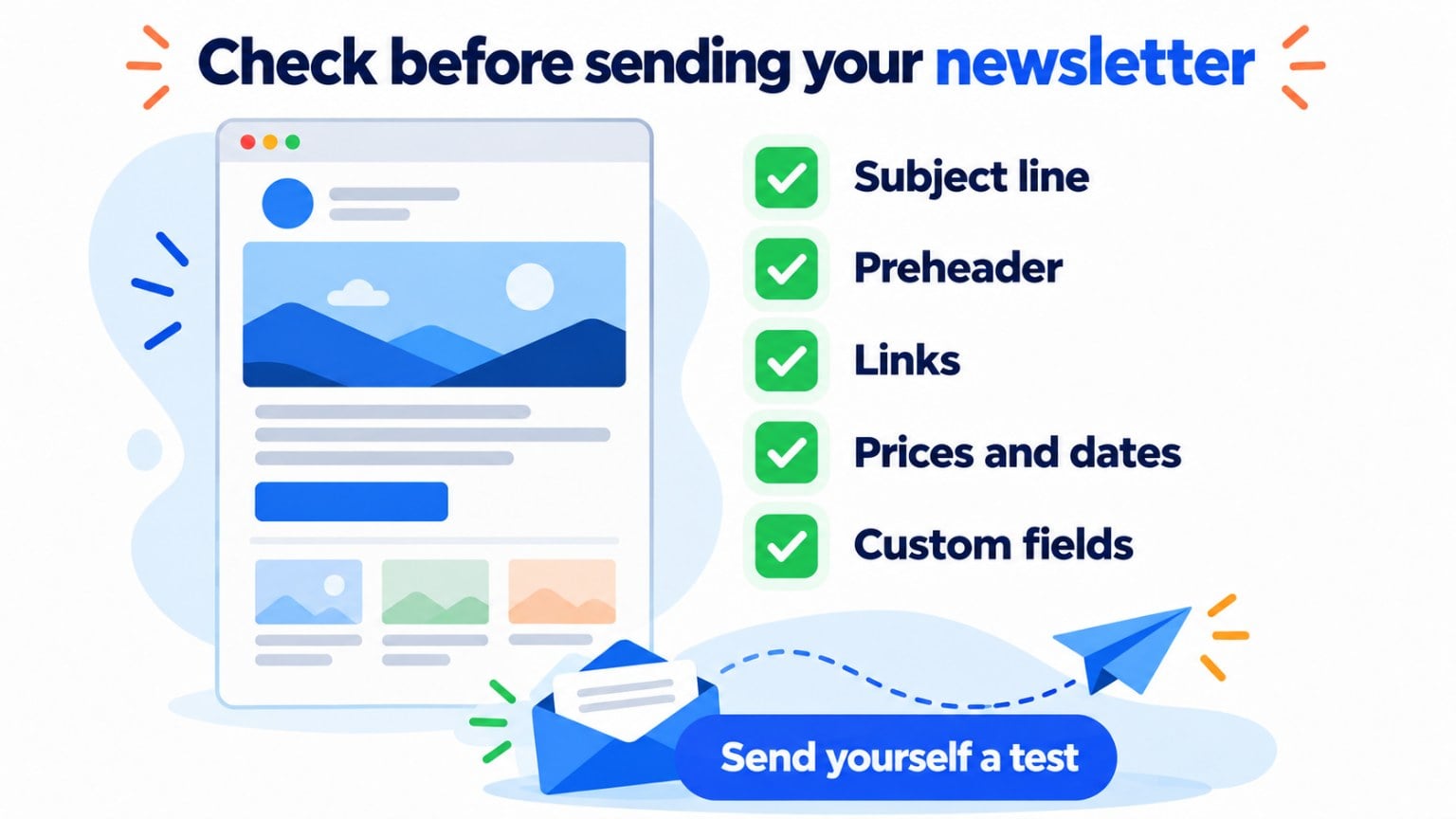
But the best thing is not to need one. Before every send, email yourself a test and check the subject line, the preheader, the links, the prices and the custom fields, such as the name.
How Mailrelay helps you
With Mailrelay you can send yourself a test email before every send, to check the text, the links and the custom fields in your own inbox.
If a mistake still slips through, duplicate the campaign, correct the information and send it only to the subscriber group that received the first one.
Afterwards, the statistics show you how many people opened it and how many clicked the correct link.
The free account lets you send up to 80,000 emails a month to 20,000 contacts, with chat, ticket and phone support.
Send your newsletters with Mailrelay
Up to 80,000 emails a month to 20,000 contacts with the free account, with chat, ticket and phone support.
Frequently asked questions about errata notices
What does errata notice mean in an email? It is an email that corrects a mistake in another one sent earlier, such as a date, a price or a link. It is sent to the same recipients.
How is it spelled in Spanish, fe de erratas or fe de errata? Fe de erratas, with erratas in the plural, even if there is only one error.
How do you write an errata notice in an email? Write “Errata” or “Correction” at the start of the subject line, explain the mistake in one sentence and highlight the correct information.
Do you have to send an errata notice for every mistake? No. Only when the mistake could confuse or harm the reader, such as a date, a price or a broken link.
When do you send an errata notice? As soon as possible, the moment you spot the mistake, so it arrives before the reader acts on the wrong information.