Payment reminder: email, SMS and WhatsApp examples to copy
What to say before, on and after the due date to get paid without friction
What to say before, on and after the due date to get paid without friction
How many times have you opened your inbox to send a payment reminder, only to close the window without writing anything? Asking for money is awkward. But waiting for the customer to remember on their own is costly.
Most late payments aren’t made in bad faith. The customer forgot, their card expired, or the invoice ended up in someone else’s inbox. A good payment reminder solves almost all of these cases with a short, friendly message.
In this guide, you’ll see what a payment reminder is, when to send it and what it should include. Above all, you get 20 examples ready to copy: 8 for email, 6 for SMS and 6 for WhatsApp, ordered by stage of the collection process.
A payment reminder is a message that lets a customer know they have an upcoming or overdue payment and makes it easy for them to pay. It can be sent by email, SMS or WhatsApp, and it’s usually part of a sequence of several reminders.
Its goal is to get paid without damaging the relationship. That’s why the tone changes with each stage: informative before the due date, friendly on the first day it’s late and firmer at the end.
It shouldn’t be confused with other collection documents.
| Invoice | Payment reminder | Formal demand | |
|---|---|---|---|
| What it is | The document that proves the debt | A notice asking the customer to pay | A demand with legal effect |
| When it is sent | When you sell the product or provide the service | Before and after the due date | When reminders haven’t worked |
| Tone | Neutral | Friendly and practical | Formal and firm |
| Usual channel | Email or customer portal | Email, SMS or WhatsApp | Burofax, registered letter or lawyer |
If you work with subscriptions and recurring payments, you’ll also want to read about the dunning email: the automated sequence that kicks in when a charge fails.
Automate your payment reminders with Mailrelay
Schedule the advance reminder, the due-date reminder and the overdue reminders, and let them go out on their own. Free for up to 80,000 emails a month.
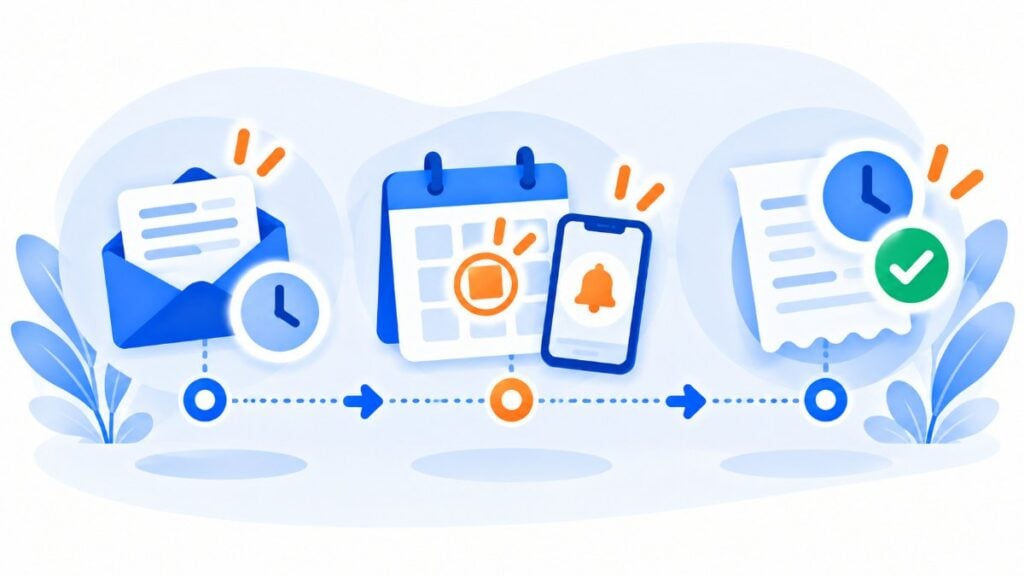
Send the first payment reminder before the due date, not after. That way you prevent a good share of late payments, and the message doesn’t sound like a reproach.
From then on, it’s best to space out the reminders and raise the tone gradually. Here’s a reference schedule and the channel that works best at each stage:
| When | Goal | Recommended channel | Tone |
|---|---|---|---|
| 3 to 7 days before | So they can plan for it | Informational | |
| On the due date | Get paid today | SMS or WhatsApp | Friendly |
| 3 days after | Catch oversights | Email and WhatsApp | Understanding |
| 10 days after | Solve the problem | Email and phone call | Direct |
| 20 to 30 days after | Final notice before taking action | Email with read receipt | Firm |
Adapt the timing of each payment reminder to your business. An academy that charges its monthly fee on the 5th needs short reminders close together. A supplier that invoices on 60-day terms can space them out more.
That said, don’t send the same message through two channels on the same day. An identical email and SMS at the same time feel like pressure. If you work with deadlines, you’ll also find it useful to read how to plan the email schedule for a call for applications.
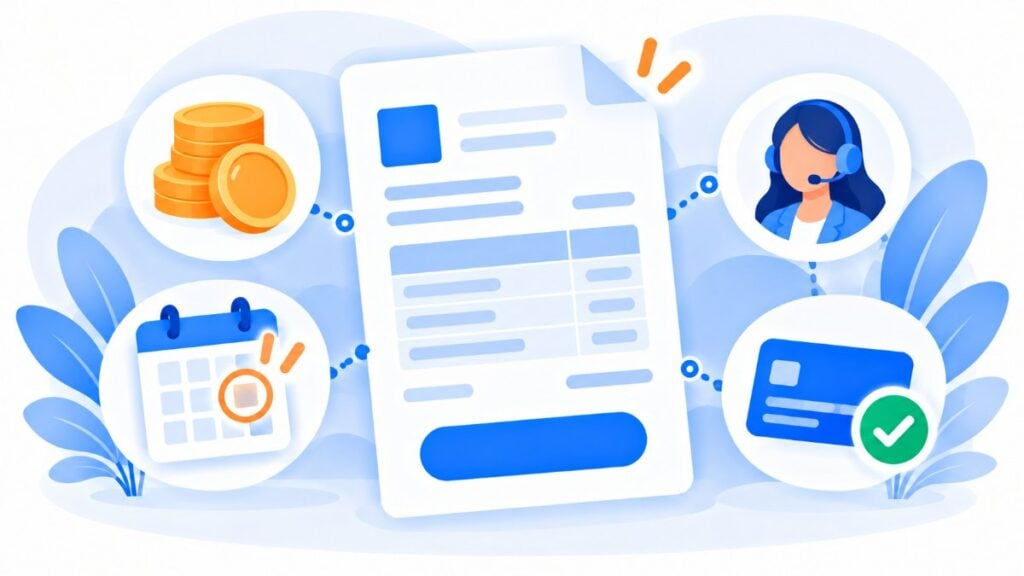
Everything the customer needs to pay without having to ask you anything. Every question means one more day of delay.
Check that your payment reminder includes these details:
The email subject line has to say what the message is about. “Invoice 2026-118 outstanding” works better than “Important information”, which looks like spam.
Always use the same sender, one that’s recognizable and includes your company name. And personalize: with custom fields you can insert each customer’s name, amount and date in a single send.
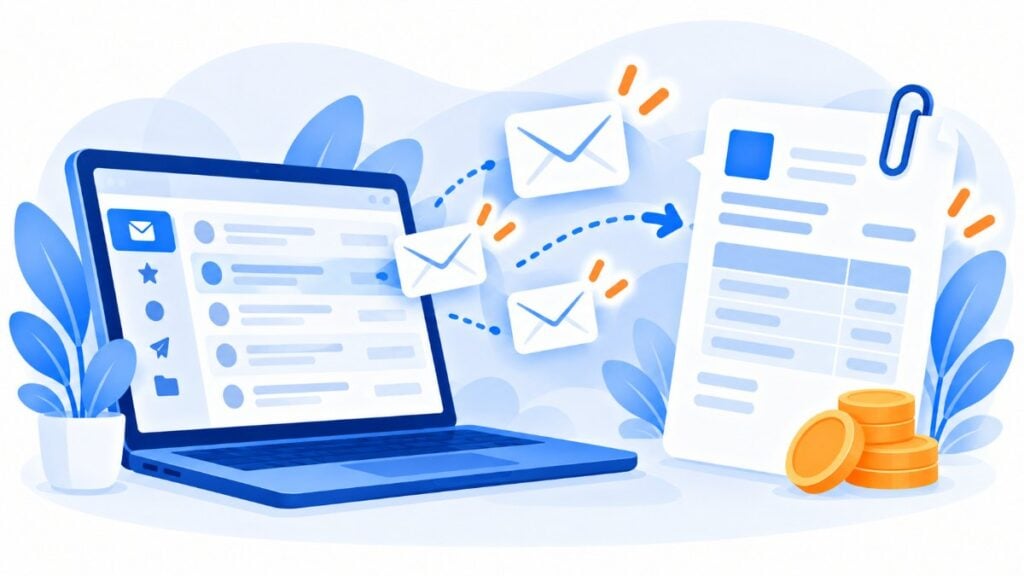
Email is the channel for details. It can carry the attached invoice, the breakdown and a payment button, and it leaves a written record.
Here are 8 payment reminder email templates, from the advance notice to the final notice. Replace the text in square brackets with your own details.
It works because it arrives before there’s a problem. Nobody feels singled out, and the customer can plan ahead.
Subject: Your invoice [number] is due on [date]
Hi [name], this is a reminder that invoice [number], for [amount], is due on [date]. You can pay it in a minute using this link: [Pay now]. If you’ve already paid it, please ignore this message. Thank you for trusting us.
Short, with a single button. Today, the customer only needs the link.
Subject: Your invoice [number] is due today
Hi [name], today is the last day to pay invoice [number], for [amount]. Here’s the direct link: [Pay invoice]. Any questions? Reply to this email and we’ll help you.
It assumes it was just an oversight. That tone makes it easy to pay without having to explain.
Subject: Did invoice [number] slip your mind?
Hi [name], our records show that invoice [number], for [amount], which was due on [date], is still outstanding. It probably got lost among other emails. You can pay it here: [Pay now]. If there’s a mistake in the amount, let us know and we’ll look into it today.
Offer a way out. If the customer has a cash-flow problem, a payment plan is worth more than another reminder.
Subject: Invoice [number]: can we help you with the payment?
Hi [name], invoice [number], for [amount], is now 10 days overdue. If you’re going through a difficult time, we can split it into [number] installments. Just reply to this email or call us on [phone]. If you’d rather pay it now, here’s the link: [Pay invoice].
Firm, but without threats. It explains what will happen and when, and makes it clear there’s still a solution.
Subject: Final notice: invoice [number] outstanding
Hi [name], despite our previous reminders, invoice [number], for [amount], has been outstanding since [date]. If we don’t receive payment by [deadline], we’ll have to suspend [the service]. We’d like to avoid that: pay here [Pay now] or call us on [phone] to find a solution.
Here, the customer hasn’t forgotten anything: the payment method has failed. That’s why the message explains the problem and asks for a single step.
Subject: We couldn’t collect your [month] payment
Hi [name], the [amount] charge for your [month] payment has been declined. This usually happens when a card expires or the account changes. Update your payment details here [Update details] and we’ll try again on [date]. Your access remains active in the meantime.
This case has its own logic for retries and notifications. We explain it in the dunning email glossary entry.
Remind the member what they get in return. A fee is easier to pay when it’s linked to a specific benefit.
Subject: Renew your [year] membership
Hi [name], your annual membership fee of [amount] is due on [date]. It lets you keep [benefit 1], [benefit 2] and access to [activity]. You can pay it here: [Renew membership]. If you’ve already paid it by bank transfer, you don’t need to do anything else.
Think about who’s going to process it. In a company, the invoice goes through accounts payable, which needs exact references.
Subject: Invoice [number] – order [reference] – overdue since [date]
Hi [name], we’re writing about invoice [number], for [amount], for order [reference] from your [area] department. It was due on [date] under the agreed terms. Could you confirm the expected payment date? We’ve attached it again. Our bank details: [IBAN].
As you can see, all eight cases follow the same pattern: what is owed, how much, since when and how to pay it. Only the tone and the way out you offer change. If you want to improve your writing, review how to write a formal email.
SMS messages almost always get read, and quickly. That’s why they fit on the due date and in the first few days of late payment.
They have a limit: 160 characters per message. Watch out for accents and emojis: some accented letters, such as “á”, can reduce that limit to 70 characters per SMS. Check the preview before sending.
Here are 6 payment reminder templates that fit in a single message.
The key details and the link are enough. The email already covers the details.
[Company]: your invoice [number] for [amount] is due on [date]. You can pay it here: [link]
Use “today” to convey urgency without applying pressure.
[Company]: your payment of [amount] is due today. Pay it in a minute: [link]. If you’ve already paid, thank you.
Neutral, with a way to resolve questions.
[Company]: your payment of [amount] is outstanding (invoice [number]). Pay here: [link] or call us on [phone].
Written for the parent or the adult student. Name the course to avoid any confusion.
[Academy]: a reminder that the monthly fee for [course] of [amount] is due on [day]. Pay here: [link]. Thank you.
A single step: update the payment method.
[Company]: we couldn’t collect your [amount] payment. Update your card here: [link] to avoid service interruptions.
Close the cycle with a thank-you. It’s the message that builds the most trust for the next payment.
[Company]: we’ve received your payment of [amount]. Thank you, [name]. Your receipt is in your email.
With Mailrelay SMS you can send these messages to the same contacts on your email lists, with links and personalization.
Got your templates ready?
Copy them into Mailrelay, personalize them with each customer’s amount and date, and send them by email or SMS.
WhatsApp has the read rate of an SMS and the tone of a conversation. What’s more, the customer can reply right away, which is very valuable when collecting payments.
Before you copy these payment reminder templates, keep two Meta rules in mind. To message a customer first, you need their permission to receive WhatsApp messages. And you have to use an approved template; payment reminders fall under the utility category.
Variables go in curly braces, just as you’ll see them in your template: {{1}}, {{2}}…
The button saves a step. The customer pays without copying links.
Hello {{1}}, This is a reminder that your invoice {{2}} for {{3}} is due on {{4}}. You can pay it using the button. If you’ve already paid, please ignore this message. [Button: Pay now]
Short, with the option to reply.
Hello {{1}}, Your payment of {{2}} is due today. You can pay using the button or reply to this message if you have any questions. [Button: Pay now]
It invites a reply. Often, behind an unanswered payment reminder there’s an issue that can be solved in two messages.
Hello {{1}}, We see that invoice {{2}} for {{3}}, which was due on {{4}}, is still outstanding. Has there been a problem? Reply to this message and we’ll sort it out with you. [Button: Pay now] [Button: Talk to a person]
Offer the solution before they ask for it. Many customers find it hard to admit they can’t pay.
Hello {{1}}, We know that juggling payments can be tough sometimes. If it suits you better, we can split your invoice of {{2}} into {{3}} installments at no extra cost. Interested? [Button: Yes, I want to split it] [Button: I’d rather pay it now]
Warm and respectful. In education, the tone matters as much as the details.
Hello {{1}}, This is a reminder that the tuition for {{2}} for {{3}} is due on {{4}}. You can pay it using the button or at the school’s front desk. Thank you for your trust. [Button: Pay tuition]
The last message in the sequence counts too. Confirming the payment prevents calls and complaints.
Hello {{1}}, We’ve received your payment of {{2}} for invoice {{3}}. Thank you! We’ll send you the receipt by email.
With WhatsApp in Mailrelay you create these templates, submit them for approval and see how many messages have been delivered and read. If you want to learn the API rules, check out the WhatsApp Business API guide.
The most expensive mistake is not sending any reminder at all and waiting for the customer to remember. But there are others that also delay payment:
Writing the payment reminder in a reproachful tone from day one. If the customer simply forgot, an aggressive message will make them feel accused. And an annoyed customer pays later.
Forgetting the payment link. If paying means hunting for the IBAN on another invoice, the payment gets postponed.
Continuing to chase customers who have already paid. It’s the mistake that generates the most complaints. Remove each customer from the sequence as soon as they pay; you can do this with a suppression list or by updating a field.
Sending the reminder to a generic company address. The invoice ends up in an inbox that nobody checks. Always ask for the accounts department contact.
Announcing consequences you aren’t going to enforce. If you say you’ll suspend the service on the 15th, do it or don’t say it.
Neglecting deliverability. A reminder that lands in spam doesn’t get you paid. Authenticate your domain with DKIM and DMARC, and check what Outlook, Gmail and Yahoo require to keep your emails out of spam.
When the payment reminder doesn’t work, move from reminding to formally demanding payment. The usual order is: a personal call, a written demand with proof of delivery (burofax or registered letter) and, if there’s no response, legal action or a debt recovery company.
In Spain, the late payment law for commercial transactions (Law 3/2004) sets a 30-day payment term if no other term has been agreed, and never more than 60.
Once the term has passed, the customer is in default without any notice being required: you can claim late-payment interest and 40 euros in compensation for collection costs. For specific cases, consult your advisor: this guide is not legal advice.
Before you get to that point, review your process. If many customers pay late, the problem is usually in the first reminder, not the last. Send it earlier, simplify payment and try another channel.
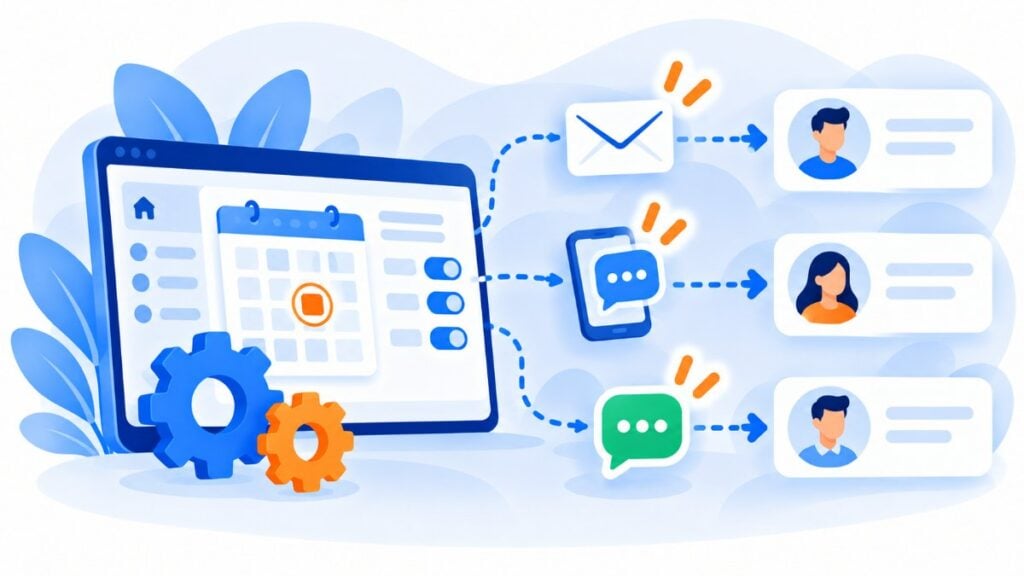
With a sequence of reminders that goes out on its own: one before the due date, another on the day itself, and one or two afterwards if the payment doesn’t arrive. You need three things:
For reminders that repeat every year on a fixed date, such as a birthday, check out the birthday email.
Sending each payment reminder by hand works with ten customers. With a hundred, some will slip through the cracks. That’s why it pays to automate it.
In Mailrelay you can set up your collection sequence like this.
Store the amount, the reference and the due date in custom fields: they’re the data that will fill in each payment reminder. You can import them from your ERP, your CRM or a CSV, or connect them via API.
Create a group-triggered automation. When the due date approaches, add the customer to a group, for example “Payment pending”, by import, via API or with Make. The “When a subscriber is added to a group” entry point in Mailrelay automations sends the first reminder, and the waiting periods set the pace for the rest.
Segment by payment status. With groups and segmentation you separate customers who are 3 days late from those who are 20 days late, and send each group its own message.
Back up the due-date reminder by SMS or WhatsApp from the same account and with the same contacts.
Measure what works. Real-time reports tell you who opened the email and who clicked the payment link, so you only call those who need it.
If your reminders go out one by one from your invoicing software, use transactional emails via SMTP or API: they arrive in seconds, with the same deliverability.
And if you want to see how it all fits together, there’s a guide to communication software for SMEs with email, SMS and WhatsApp. For specific sectors, take a look at email marketing for training centers and academies or for the public sector.
Get paid on time from a single account
Reminders by email, SMS and WhatsApp, real-time reports and expert support on every account. Start free with 20,000 contacts.
A good payment reminder doesn’t chase the customer: it saves them from an oversight. If it arrives before the due date and includes the exact amount and a payment link, most invoices get paid the first time.
Start with three messages: the advance email reminder, the due-date SMS or WhatsApp, and the email for the first late payment. Copy the examples in this guide, adapt them to your tone and automate them. Then measure and adjust the timing.
And don’t forget the last message: saying thank you when the payment arrives is also part of getting paid.
These are the most common questions when preparing a payment reminder.
Greet them by name, assume it was an oversight and make it easy to pay. Include the amount, the reference, the date and a link. Avoid words like “debt” or “non-payment” in the first reminders.
A common pattern is to send reminders 3 to 7 days before, on the due date, and at 3, 10 and 20-30 days overdue. More than one reminder a week is usually counterproductive, except on the due date.
Yes, as long as the customer has agreed to receive WhatsApp messages and you use a Meta-approved template. Payment reminders fall under the utility category.
A reminder is a friendly notice asking the customer to pay; a claim is a formal demand that puts the debt on record and opens the door to legal action. The claim comes when the reminders haven’t worked.
Call them before escalating. If there’s no response, send a formal demand by burofax or registered letter and, as a last step, consider legal action or a debt recovery company. Consult your advisor before claiming interest or costs.

Jose Argudo
CMO at Mailrelay. Writes about email marketing, copywriting and conversion for SMEs and entrepreneurs.